Before painting
Confirm colour samples, preparation and any change in scope with the customer, and verify the measurements on site.
Industry solution / Trades & Construction
For painting contractors who need the substrate, colour choice, measured surfaces and material assumptions visible when a job is scheduled.
Pricing & getting started
Describe surface preparation, protection and chosen colour after checking the room in person.
Record room dimensions and openings against an order; pass wall or ceiling area to the material calculator.
Use coat count and coverage assumptions to estimate litres; view confirmed jobs by painter and start date.
How Sektura helps with everyday work
Fictional job: a customer requests a pale colour for a living room. The site visit reveals patched areas and uneven old paint that were not mentioned on the phone.
Check walls, ceiling and substrate, then describe filling, coats and colour in a draft estimate.
Create the accepted order, enter room length, width, height and opening area, then transfer a measured surface to the calculator.
Check coverage and coat assumptions, review the estimated litres and set start date and painter on the order.
The agreed work and calculated quantity remain visible. Actual coverage and surface treatment still require trade judgement on site.
Getting started is simple
Use an invented customer and explain colour and preparation in the estimate text.
After a fictional acceptance, create an order and enter a room with window and door openings.
Transfer wall area, set coats and coverage, then set start date and painter on a confirmed job and review the weekly plan.
Confirm colour samples, preparation and any change in scope with the customer, and verify the measurements on site.
No credit card is needed to start your trial.
Industry solution
Interior painting crews
Editorial workflow draft — not a product screenshot.
A customer wants her living room walls painted in a new color.
Measure the wall areas during the site visit.
Agree on the color and materials with the customer.
Write down the work date and assigned painters.
The job records measurements, color choice and agreed work date.
Calculate material requirements from measurements, store NCS/RAL color codes per room
Capture surfaces on-site, draw sketches, hand over directly as a quote
Measurement sheets per VOB/B, progress invoices and final invoice automated
Photos per room with GPS timestamp, defect log and digital client sign-off
Daily reports per technician, actual vs. calculated labour hours, overtime warning
Less paperwork
These features are included in every sektura solution.
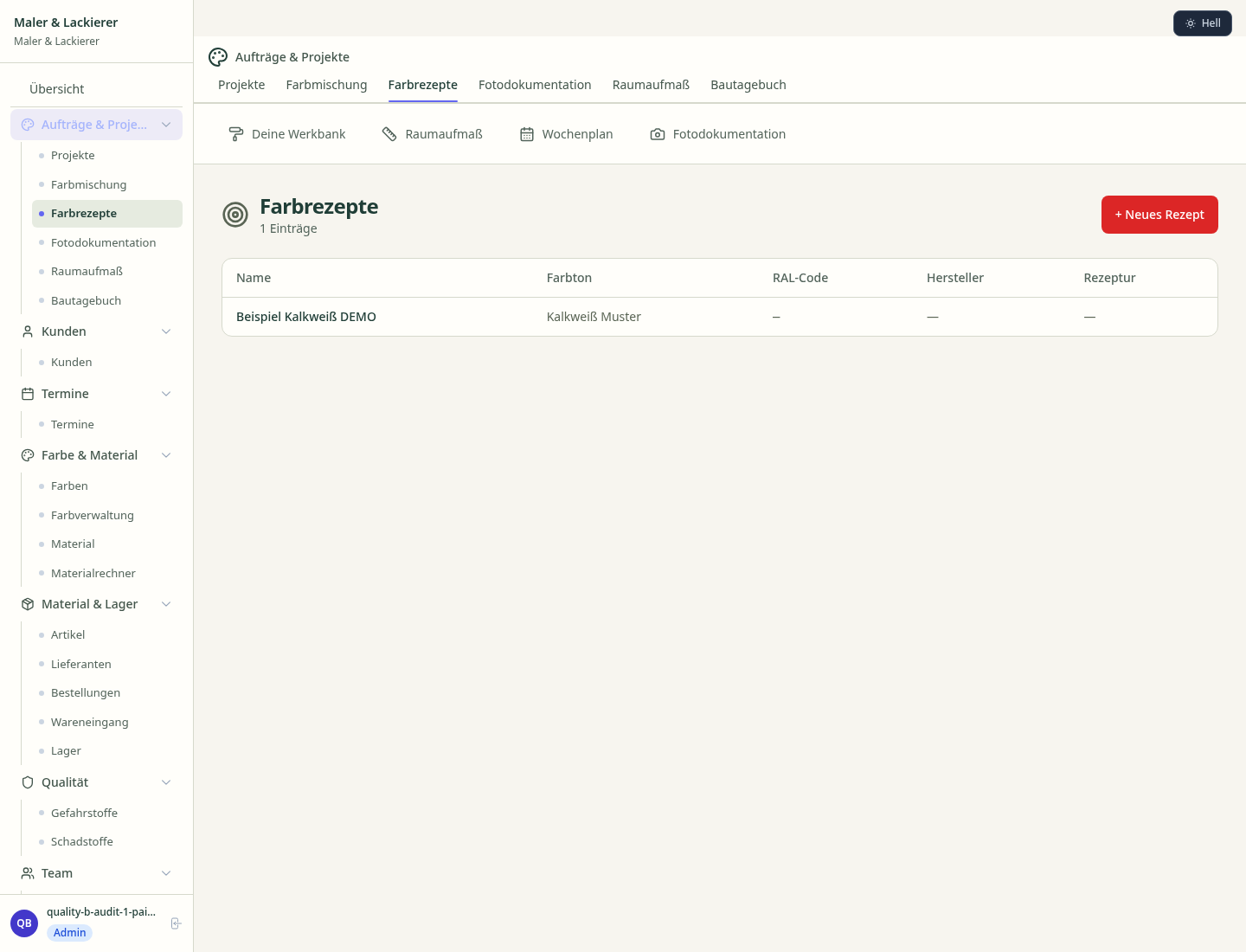
Customer data with properties, material preferences and colour history of all painting and coating work.
Invoices for PainterDesk services under local law. Automatic numbering, PDF export and dunning management.
Appointments for site visits, colour consultations and handovers. With property address in the calendar.
Colour recipes, handover protocols, manufacturer datasheets and warranty certificates centrally stored.
Painting jobs with fields: area m², substrate, colour RAL/NCS, coating system and number of coats.
Reports for PainterDesk: revenue by service type, utilisation, averages and profitability per job.
Vote on new PainterDesk features. Which functions matter most? Your vote counts in product development.
Getting started is simple
Set up service catalogue, colour systems and material prices
Configure paint cost calculator with ncs/ral and enter initial data
Configure measurement app with room sketch and enter initial data
Configure vob-compliant invoicing and enter initial data
Create the first invoice or quote and test the workflow
Before you switch, we check which data we can transfer from your existing system.
craftboxx · openHandwerk · Plancraft · MalerPlus
Germany · Austria · Switzerland · United Kingdom · France · Spain · Italy · Netherlands · Poland · Portugal · Sweden · Denmark · Norway · Finland · Czechia · Romania · Hungary · Türkiye · Russia · Ukraine · Indonesia · Vietnam · Thailand · Saudi Arabia · China · Japan · South Korea · India · Greece · Croatia · Serbia · Bulgaria · Slovakia · Slovenia · Lithuania · Latvia · Estonia · Albania · Malaysia · Philippines · Bangladesh · Pakistan
04 / Getting started
Choose your industry, country and billing cycle. You will see the corresponding industry price; book add-ons separately when needed.
days free trial
No credit card is needed to start your trial.
No credit card is needed to start your trial.
Add-ons are billed separately in EUR. Displayed prices reflect your selected country and billing cycle.
Project planning, construction supervision, CAD management and client management for architecture firms.

Job management for auto repair shops and garages

Job management for carpenters, joiners and cabinet makers — Furniture, kitchens & interior fit-out

Job management for electricians and electrical contractors
