Security rating
Recording an RC rating is not a certification of the installed door or lock.
Industry solution / Trades & Construction
For locksmiths handling door opening, cylinder changes and locking systems with clear job records.
Pricing & getting started
Record job type, address and agreed work; staff still verify access rights.
Link cylinders and key quantities to the job.
Review quote and invoice against actual work, especially for emergency jobs.
How Sektura helps with everyday work
In this fictional example, a resident calls because a front door cylinder sticks.
Record address, problem and timing with clear cost information.
Verify access rights in person and agree repair or replacement.
Record materials, keys handed over and review the invoice.
The job reflects agreed and completed work; the technician remains responsible for access checks.
Getting started is simple
Set up your regular lock work and materials.
Use a synthetic address and job type.
Carry sample labour and materials into a quote and invoice.
Recording an RC rating is not a certification of the installed door or lock.
No credit card is needed to start your trial.
Industry solution
Locksmiths servicing doors and locks
Editorial workflow draft — not a product screenshot.
A resident reports that the front-door lock cylinder sticks.
Verify the customer’s authority to access the door before work.
Inspect the cylinder type and fault on site.
Record the agreed repair and any keys handed over.
The authority check and completed work are noted on the job.
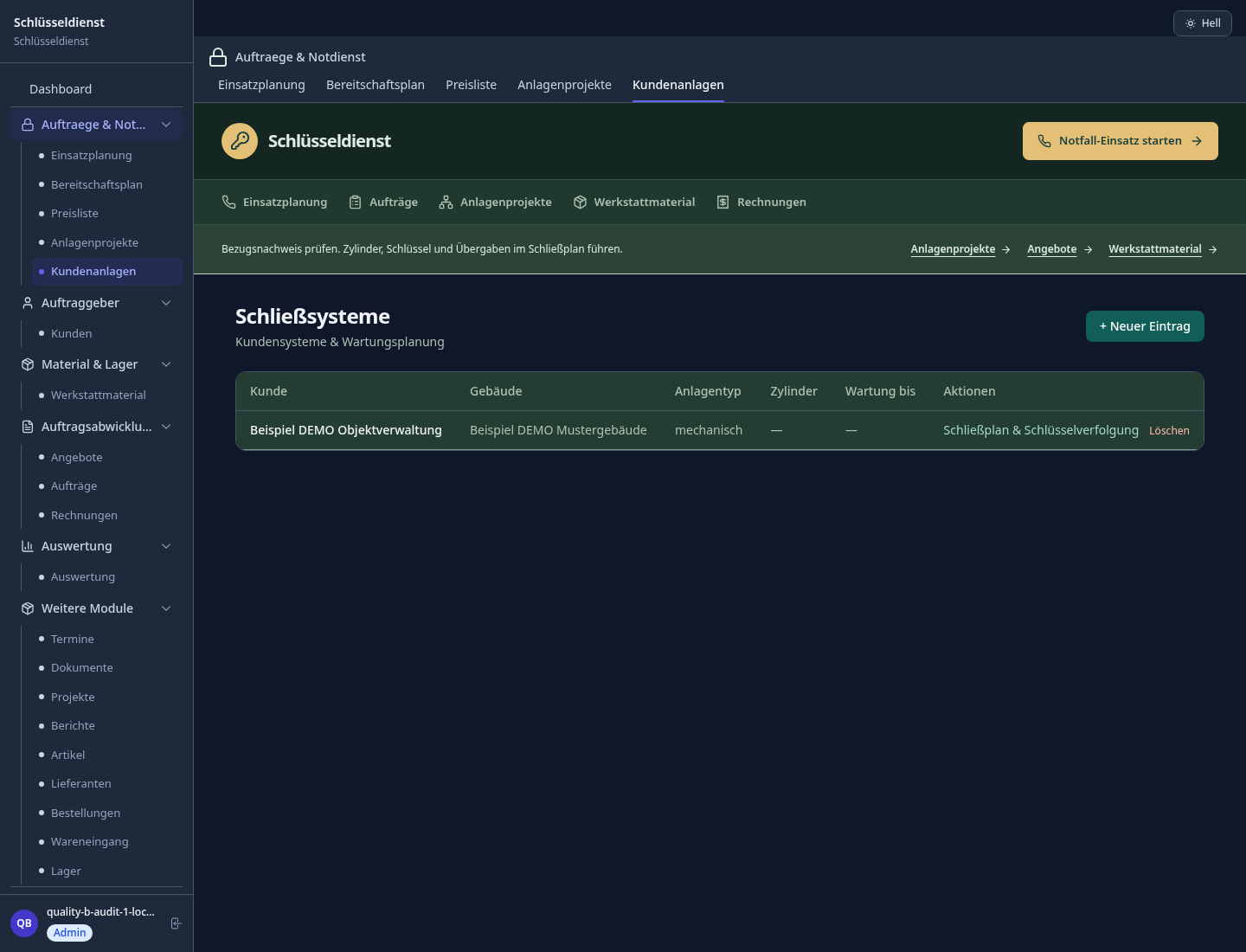
Manage locking plans, key issuance, blacklists and access permissions
Locate the nearest available technician, calculate travel time, notify customer by SMS
Record manufacturer, DIN 18252, security grade and installation location per object
Document VdS classes, EN 1627 resistance classes; generate offer
Create invoice on-site, card payment, PDF receipt — paperless
Less paperwork
These features are included in every sektura solution.
Customer records with full project history for all Locksmith Desk jobs and relevant contact and location information.
Invoices for Locksmith Desk services under local law. Automatic numbering, PDF export and dunning management.
Appointments for Locksmith Desk deployments with GPS address, staff assignment and automatic email reminders.
All Locksmith Desk documents managed centrally: plans, protocols, warranties, certificates and manufacturer documentation.
Locksmith Desk jobs with industry-specific fields, status tracking and automatic cost calculation.
Reports for Locksmith Desk: revenue by service type, utilisation, averages and profitability per job.
Vote on new Locksmith Desk features. Which functions matter most? Your vote counts in product development.
Getting started is simple
Set up key types, locking systems and prices
Configure locking systems & key log and enter initial data
Configure emergency dispatch with gps eta and enter initial data
Configure cylinder database per din standard and enter initial data
Create the first invoice or quote and test the workflow
Before you switch, we check which data we can transfer from your existing system.
craftboxx · openHandwerk · Plancraft · KeyTech
Germany · Austria · Switzerland · United Kingdom · France · Spain · Italy · Netherlands · Poland · Portugal · Sweden · Denmark · Norway · Finland · Czechia · Romania · Hungary · Türkiye · Russia · Ukraine · Indonesia · Vietnam · Thailand · Saudi Arabia · China · Japan · South Korea · India · Greece · Croatia · Serbia · Bulgaria · Slovakia · Slovenia · Lithuania · Latvia · Estonia · Albania · Malaysia · Philippines · Bangladesh · Pakistan
04 / Getting started
Choose your industry, country and billing cycle. You will see the corresponding industry price; book add-ons separately when needed.
days free trial
No credit card is needed to start your trial.
No credit card is needed to start your trial.
Add-ons are billed separately in EUR. Displayed prices reflect your selected country and billing cycle.
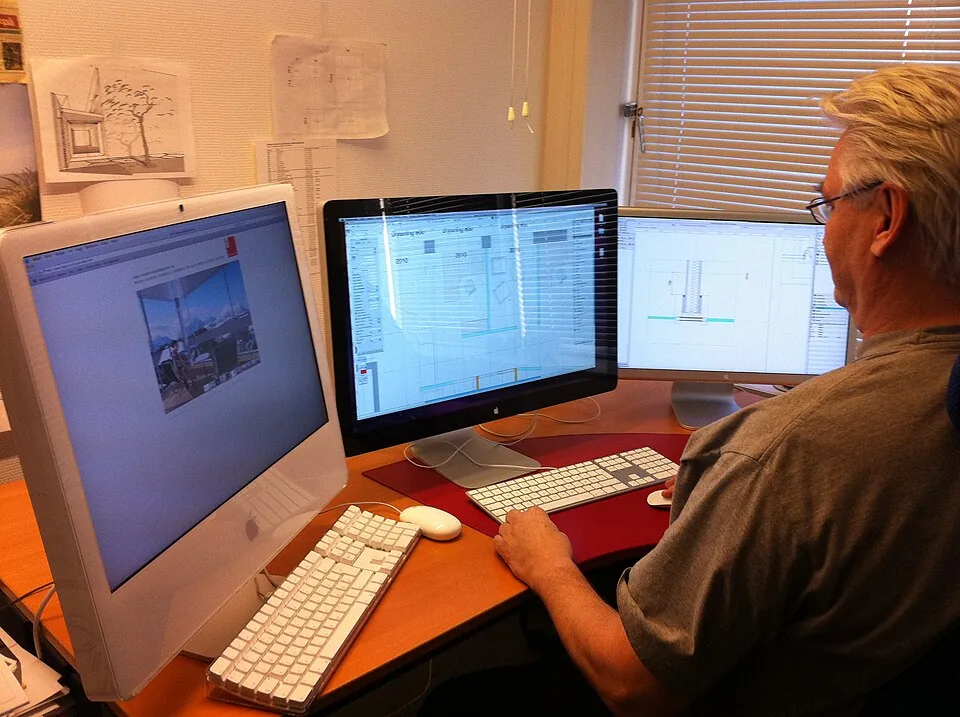
Project planning, construction supervision, CAD management and client management for architecture firms.
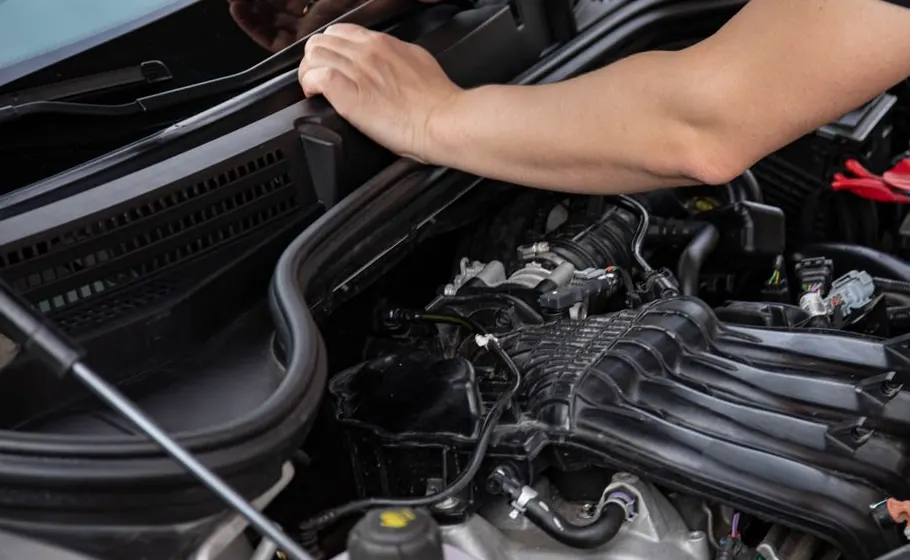
Job management for auto repair shops and garages

Job management for carpenters, joiners and cabinet makers — Furniture, kitchens & interior fit-out

Job management for electricians and electrical contractors
