Use a physical colour reference
Screen appearance alone cannot establish the final print colour.
Industry solution / Creative & Media
A bookshop replaces a faded exterior sign. Keep the measured size, material, design version, customer decision, manual print-file check and installation plan with the job, so the workshop knows which version it is making.
Pricing & getting started
Product, material, width, height and fitting need sit with the sign order.
Design versions and the recorded customer decision help avoid printing an outdated layout.
Preflight records human checks; site, fitter and date are available for installation planning.
How Sektura helps with everyday work
Fictional example: the owner wants a dark-blue wordmark above a narrow entrance.
A sign maker checks usable space, fixing surface and access before entering dimensions.
The owner comments on a specific version; the shop records the decision and handles changes as a new review.
A specialist checks the print file, records the checklist and agrees material and fitting details.
The job has a clear version and plan; physical fixing and permissions still need separate review.
Getting started is simple
Use a fictional bookshop and measured dimensions from your own test.
Record a sample approval and results of a check you actually perform.
Add sample site, fitter and date; note any unresolved surface or permit issue.
Screen appearance alone cannot establish the final print colour.
Competent staff must assess fixing and site conditions.
No credit card is needed to start your trial.
Industry solution
Sign makers and commercial signage shops
Editorial workflow draft — not a product screenshot.
A shop orders a facade sign and still needs to approve its size and colour.
Measure the mounting area on site.
Agree the colour specification with the shop.
Plan materials and an installation visit with the team.
Measurements, colour and date are recorded for the sign job.
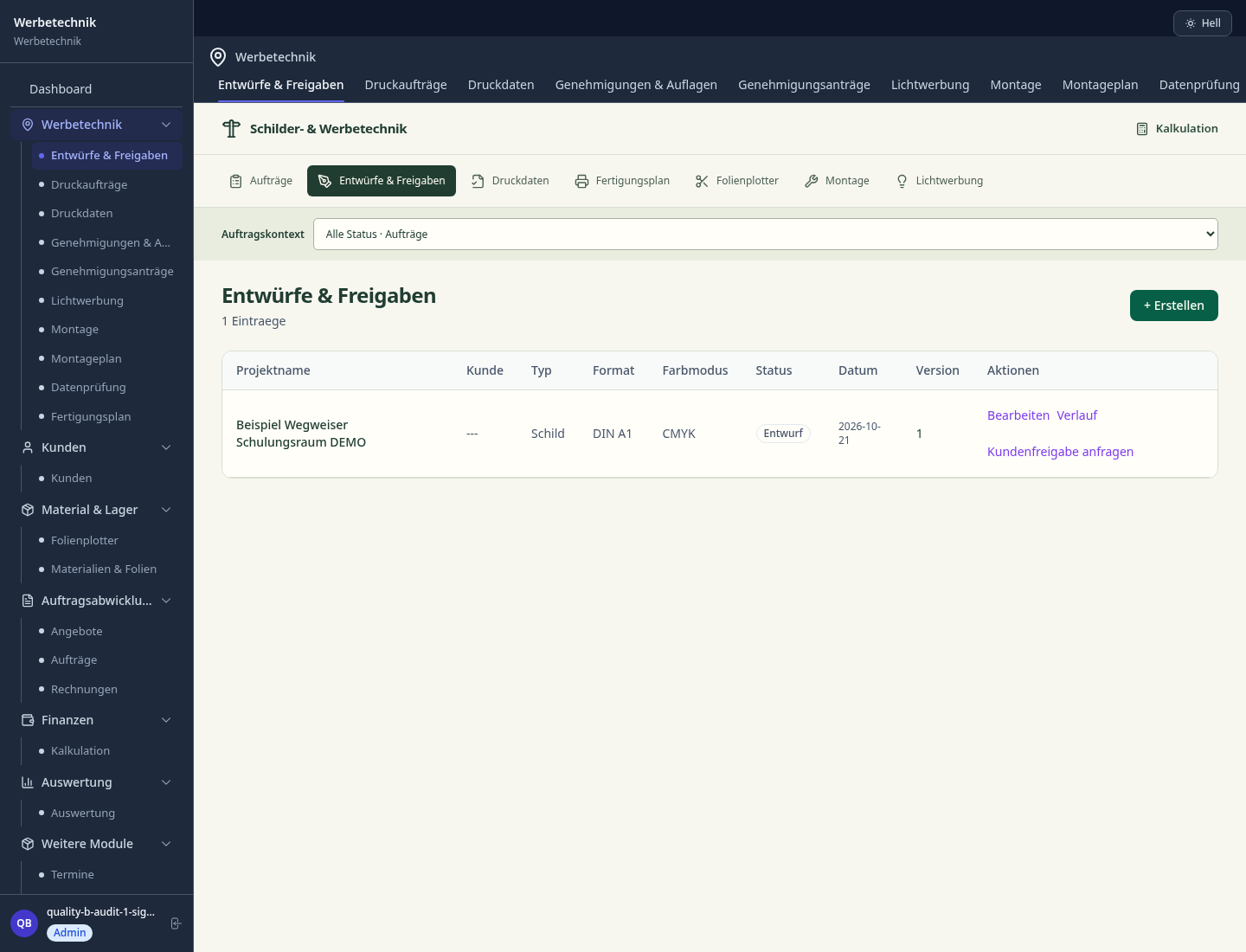
Cut optimisation calculates material requirements and minimises waste for films and panels
Coordinate and invoice installation dates with vehicles, lifts and technicians
Client colour approval for print and film data with signature and date proof
On-site documentation with GPS-verified photos as measurement proof and installation record
Automatically manage LED inspection schedules and DGUV test protocols for maintenance contracts
Less paperwork
These features are included in every sektura solution.
Customer records with full project history for all SignageDesk jobs and relevant contact and location information.
Invoices for SignageDesk services under local law. Automatic numbering, PDF export and dunning management.
Appointments for SignageDesk deployments with GPS address, staff assignment and automatic email reminders.
All SignageDesk documents managed centrally: plans, protocols, warranties, certificates and manufacturer documentation.
SignageDesk jobs with industry-specific fields, status tracking and automatic cost calculation.
Reports for SignageDesk: revenue by service type, utilisation, averages and profitability per job.
Vote on new SignageDesk features. Which functions matter most? Your vote counts in product development.
Getting started is simple
Set up portfolio, project types and price list
Configure film requirement calculator (nesting) and enter initial data
Configure installation resource planning and enter initial data
Configure ral/pantone approval protocol and enter initial data
Create the first invoice or quote and test the workflow
Before you switch, we check which data we can transfer from your existing system.
SAi Flexi · SignCut · Caldera · helloCash
Germany · Austria · Switzerland · United Kingdom · France · Spain · Italy · Netherlands · Poland · Portugal · Sweden · Denmark · Norway · Finland · Czechia · Romania · Hungary · Türkiye · Russia · Ukraine · Indonesia · Vietnam · Thailand · Saudi Arabia · China · Japan · South Korea · India · Greece · Croatia · Serbia · Bulgaria · Slovakia · Slovenia · Lithuania · Latvia · Estonia · Albania · Malaysia · Philippines · Bangladesh · Pakistan
04 / Getting started
Choose your industry, country and billing cycle. You will see the corresponding industry price; book add-ons separately when needed.
days free trial
No credit card is needed to start your trial.
No credit card is needed to start your trial.
Add-ons are billed separately in EUR. Displayed prices reflect your selected country and billing cycle.

Software for dance schools – student management, course planning, exam preparation and invoices at a glance.
Project management for graphic designers and design agencies

Campaign management for advertising agencies and marketing service providers
Job management for photographers and photo studios