Site rules apply
Inspection duties vary by jurisdiction and use. The record supports the responsible person; it does not certify compliance or replace a physical check.
Industry solution / Construction & Civil Engineering
For scaffold contractors asked to extend an erected facade scaffold while the building work continues. Keep site, area, height and dates in the job; assign the actual components and crew; treat a structural addition as a change that needs a fresh competent inspection.
Pricing & getting started
Record the site, scaffold type, area, height, erection and dismantling dates, and standing period. Access constraints belong in the job note after a site check.
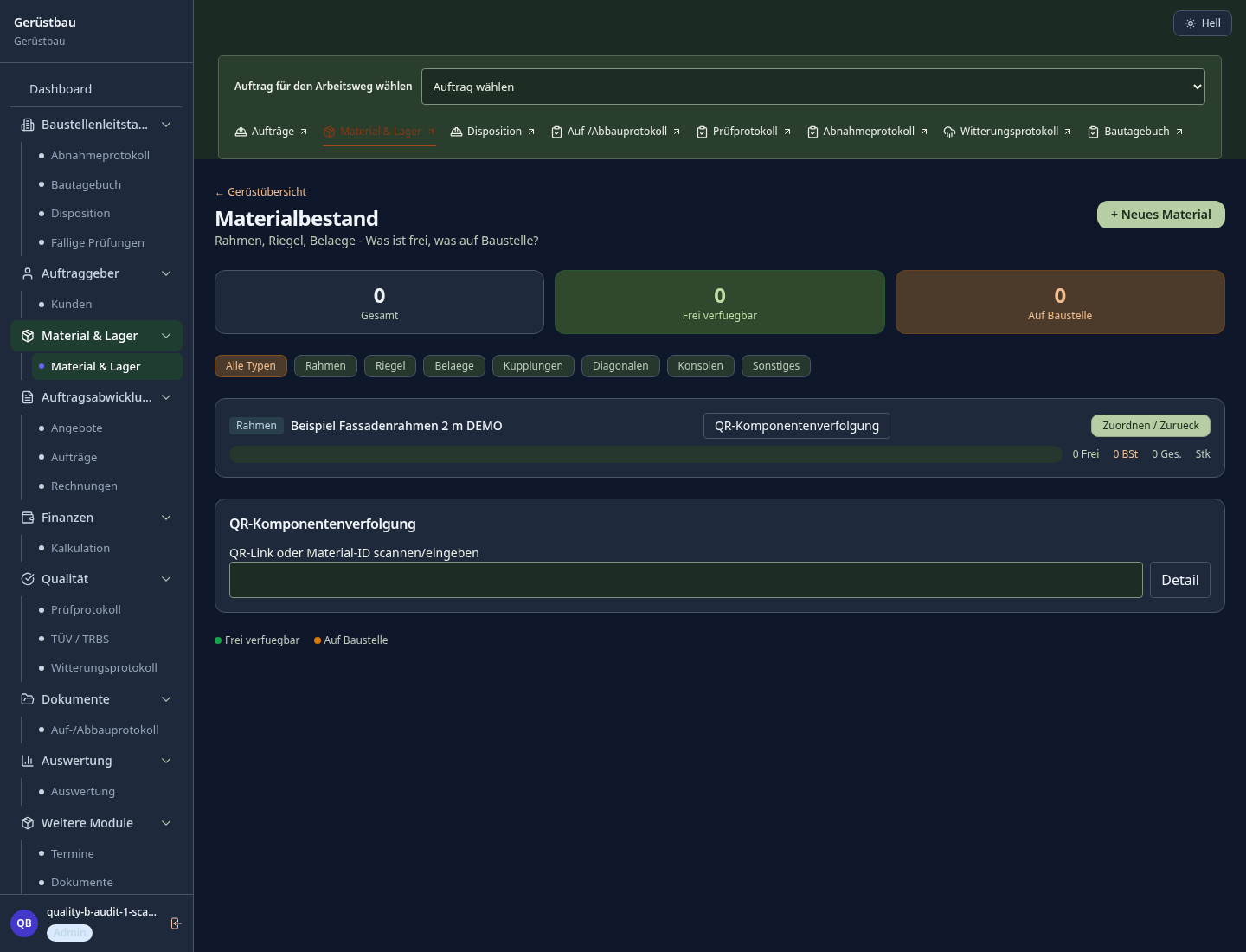
Frames, decks and brackets have free and site-held quantities. Assigning parts to a job reduces free stock; the weekly board schedules a team for erection, alteration, dismantling or inspection.
An addition or area change flags the earlier release as outdated and locks the job. The inspection record captures the examiner, checklist, result and required signature.
How Sektura helps with everyday work
On a facade refurbishment, the client asks to scaffold an area previously left open for deliveries. The crew must assess measurements, ties, access and parts before agreeing to the alteration.
Check the changed area on site and record the addition and area difference against the existing job. Enter any price adjustment only as agreed.
Check available decks and brackets, assign quantities to the job, and put an alteration team on the weekly board.
Keep the locked status visible. A competent person checks the real structure and records findings; only a passed formal inspection clears the desk lock.
The contractor can explain the change and next step without treating a calendar entry or digital form as proof that the scaffold is safe.
Getting started is simple
Enter fictional site details, measured area and height, and proposed erection and removal dates.
Add plausible components, allocate some to the job and schedule a sample alteration team.
Record an area addition, inspect the locked status and complete a fictional inspection record with the required fields.
Inspection duties vary by jurisdiction and use. The record supports the responsible person; it does not certify compliance or replace a physical check.
No credit card is needed to start your trial.
Industry solution
Scaffold contractors and erection crews
Editorial workflow draft — not a product screenshot.
Facade repairs require scaffolding for an agreed standing period.
Confirm facade dimensions and access to the site.
List required scaffold parts and erection order.
Record handover and the agreed standing period.
Parts and standing period are documented for the scaffold job.
Digital site register, inspection deadline monitoring and automatic reminders per location
Track couplers, frames and platforms; immediately detect and fix shrinkage and shortfalls
Document green/yellow/red clearance status digitally; handover protocol with signature
Automatic calculation of scaffold rental based on agreed retention period and extensions
Automatically derive component list and transport logistics from 3D scaffold plan
Less paperwork
These features are included in every sektura solution.
Customer records with full project history for all ScaffoldDesk jobs and relevant contact and location information.
Invoices for ScaffoldDesk services under local law. Automatic numbering, PDF export and dunning management.
Appointments for ScaffoldDesk deployments with GPS address, staff assignment and automatic email reminders.
All ScaffoldDesk documents managed centrally: plans, protocols, warranties, certificates and manufacturer documentation.
ScaffoldDesk jobs with industry-specific fields, status tracking and automatic cost calculation.
Reports for ScaffoldDesk: revenue by service type, utilisation, averages and profitability per job.
Vote on new ScaffoldDesk features. Which functions matter most? Your vote counts in product development.
Getting started is simple
Set up bill of quantities and costing bases
Configure scaffold register (bgr 166/dguv) and enter initial data
Configure component tracking via qr code and enter initial data
Configure scafftag & digital scaffold handover and enter initial data
Create the first invoice or quote and test the workflow
Before you switch, we check which data we can transfer from your existing system.
PERI · openHandwerk · Scaffcalc · Plancraft
Germany · Austria · Switzerland · United Kingdom · France · Spain · Italy · Netherlands · Poland · Portugal · Sweden · Denmark · Norway · Finland · Czechia · Romania · Hungary · Türkiye · Russia · Ukraine · Indonesia · Vietnam · Thailand · Saudi Arabia · China · Japan · South Korea · India · Greece · Croatia · Serbia · Bulgaria · Slovakia · Slovenia · Lithuania · Latvia · Estonia · Albania · Malaysia · Philippines · Bangladesh · Pakistan
04 / Getting started
Choose your industry, country and billing cycle. You will see the corresponding industry price; book add-ons separately when needed.
days free trial
No credit card is needed to start your trial.
No credit card is needed to start your trial.
Add-ons are billed separately in EUR. Displayed prices reflect your selected country and billing cycle.
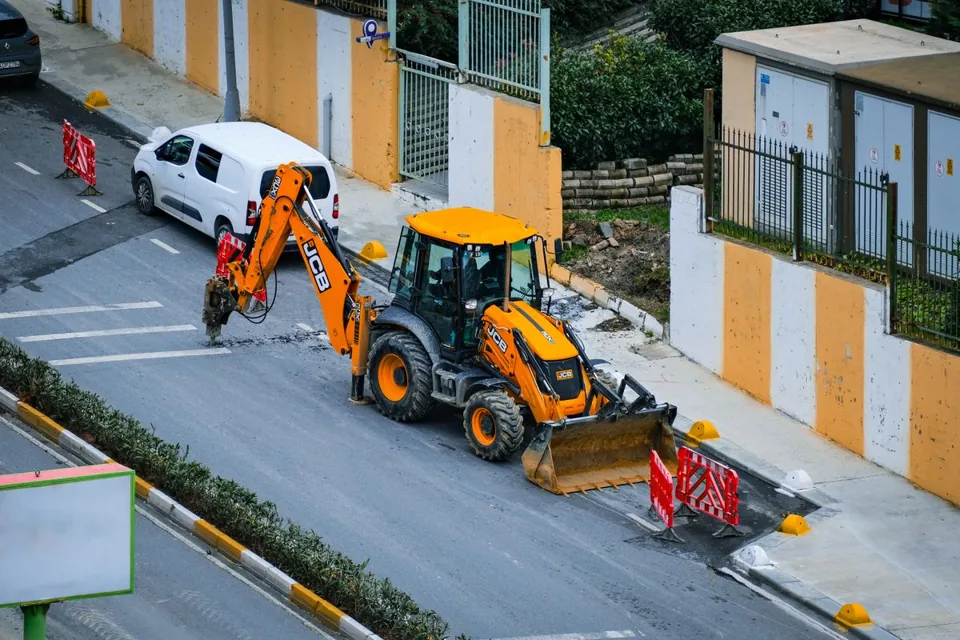
Project management for canal, underground and civil engineering businesses

Software for construction companies and architects – manage building projects, permits, areas and timelines centrally.
Industry software for flooring companies — jobs, areas, subfloors and invoicing.
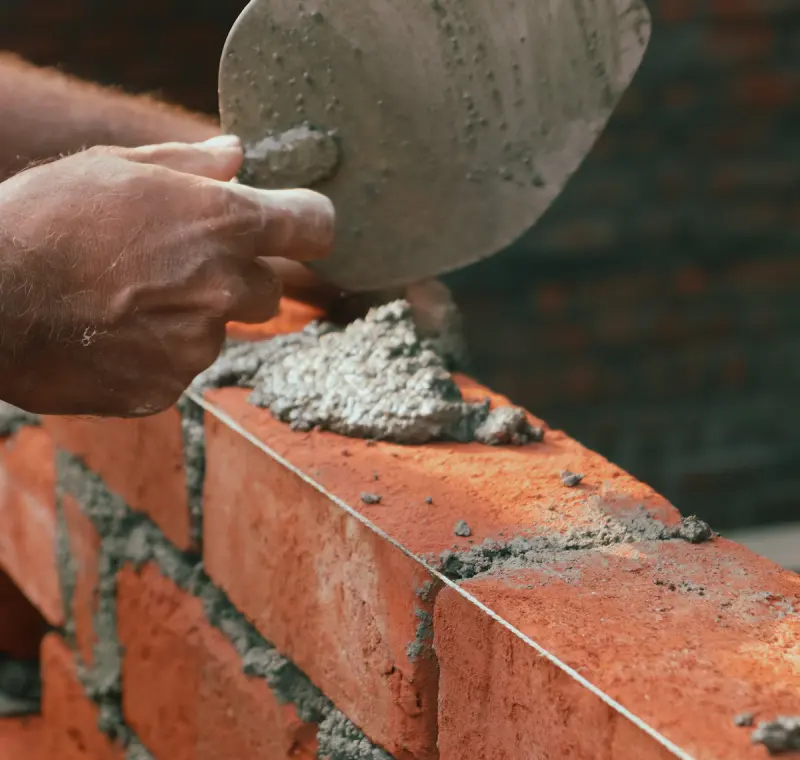
Industry software for masons and masonry businesses — jobs, construction projects, time tracking and invoicing.
