Site requirements
Check ground, boundaries and local permissions for the specific site.
Industry solution / Construction & Civil Engineering
For masonry contractors: follow a site visit through quotation, material planning and site documentation.
Pricing & getting started
Record length, height and ground conditions on the project.
Review brick, mortar and labour positions against the job.
Weekly plan, site notes and invoices support the build.
How Sektura helps with everyday work
A fictional customer wants a low wall. The contractor must check dimensions and ground conditions before quoting.
Measure length and height; note the ground and open questions.
List bricks, mortar, work stages and proposed timing.
After commissioning, document material use and work days.
Quote and execution refer to the same checked measurements and agreements.
Getting started is simple
Add a fictional wall, site and client.
Enter length, height and ground conditions; raise structural questions separately.
Review calculation, materials and site documentation.
Check ground, boundaries and local permissions for the specific site.
No credit card is needed to start your trial.
Industry solution
Masonry firms handling small building jobs
Editorial workflow draft — not a product screenshot.
A customer wants a low garden wall built beside her driveway.
Measure the length, height and ground conditions during a site visit.
Record the bricks, mortar and work stages for the job.
Agree the building date and open questions with the customer.
Measurements, material needs and the agreed building date are recorded with the job.
Calculate masonry, concrete and plaster by volume — material quantities automatically computed.
Precisely calculate and order consumption of bricks, plaster and concrete per job.
File structural proofs, building plans and permits directly on the job.
Daily performance, weather and change order recording — legally secure and instantly accessible.
Document, calculate and invoice change orders according to VOB/B or FIDIC.
Less paperwork
These features are included in every sektura solution.
Customer records with full project history for all Masonry Desk jobs and relevant contact and location information.
Invoices for Masonry Desk services under local law. Automatic numbering, PDF export and dunning management.
Appointments for Masonry Desk deployments with GPS address, staff assignment and automatic email reminders.
All Masonry Desk documents managed centrally: plans, protocols, warranties, certificates and manufacturer documentation.
Masonry Desk jobs with industry-specific fields, status tracking and automatic cost calculation.
Reports for Masonry Desk: revenue by service type, utilisation, averages and profitability per job.
Vote on new Masonry Desk features. Which functions matter most? Your vote counts in product development.
Getting started is simple
Set up bill of quantities and costing bases
Configure quantity surveying: m² / m³ and enter initial data
Configure mortar & concrete calculator and enter initial data
Configure structural calculations & building permit (digital) and enter initial data
Create the first invoice or quote and test the workflow
Before you switch, we check which data we can transfer from your existing system.
craftboxx · openHandwerk · Plancraft · Streit V.1
Germany · Austria · Switzerland · United Kingdom · France · Spain · Italy · Netherlands · Poland · Portugal · Sweden · Denmark · Norway · Finland · Czechia · Romania · Hungary · Türkiye · Russia · Ukraine · Indonesia · Vietnam · Thailand · Saudi Arabia · China · Japan · South Korea · India · Greece · Croatia · Serbia · Bulgaria · Slovakia · Slovenia · Lithuania · Latvia · Estonia · Albania · Malaysia · Philippines · Bangladesh · Pakistan
04 / Getting started
Choose your industry, country and billing cycle. You will see the corresponding industry price; book add-ons separately when needed.
days free trial
No credit card is needed to start your trial.
No credit card is needed to start your trial.
Add-ons are billed separately in EUR. Displayed prices reflect your selected country and billing cycle.
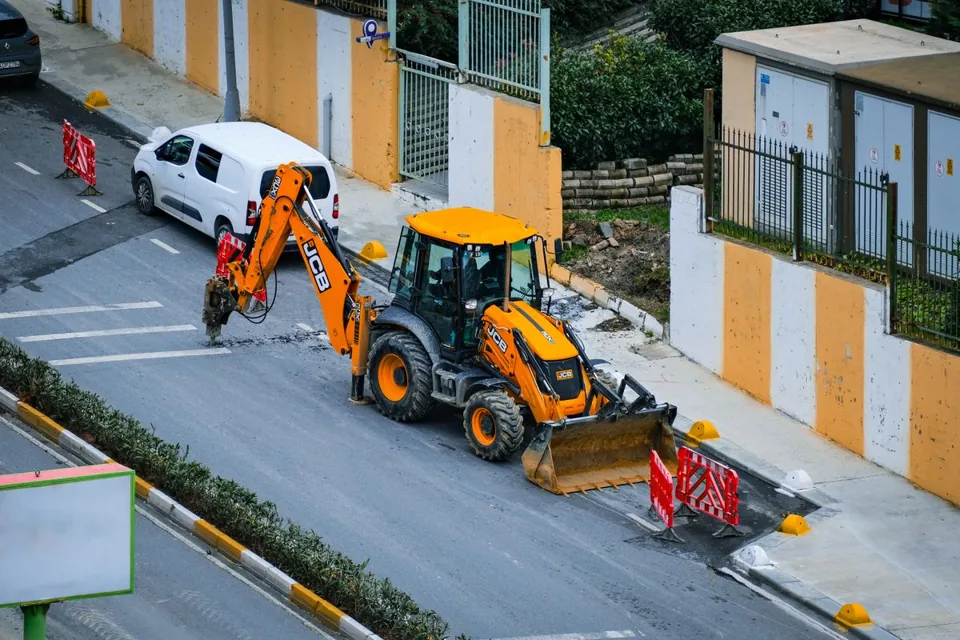
Project management for canal, underground and civil engineering businesses

Software for construction companies and architects – manage building projects, permits, areas and timelines centrally.
Industry software for flooring companies — jobs, areas, subfloors and invoicing.

Industry software for plasterers and rendering contractors — jobs, plaster types, surfaces and invoicing.

