Plans need a site check
A line on a drawing is not proof of its exact position underground. Follow the operator information and the site's safety process before excavation.
Industry solution / Construction & Civil Engineering
For sewer crews coordinating a route, utility enquiries and site measurements under one job. The desk shows which operator replies are outstanding; it does not obtain those replies or establish a safe dig location for you.
Pricing & getting started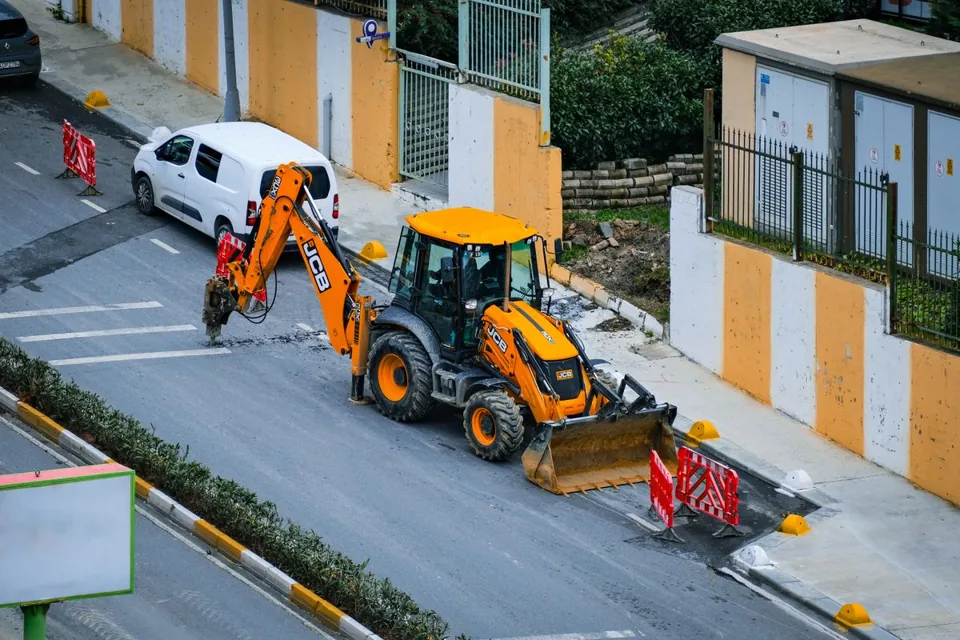
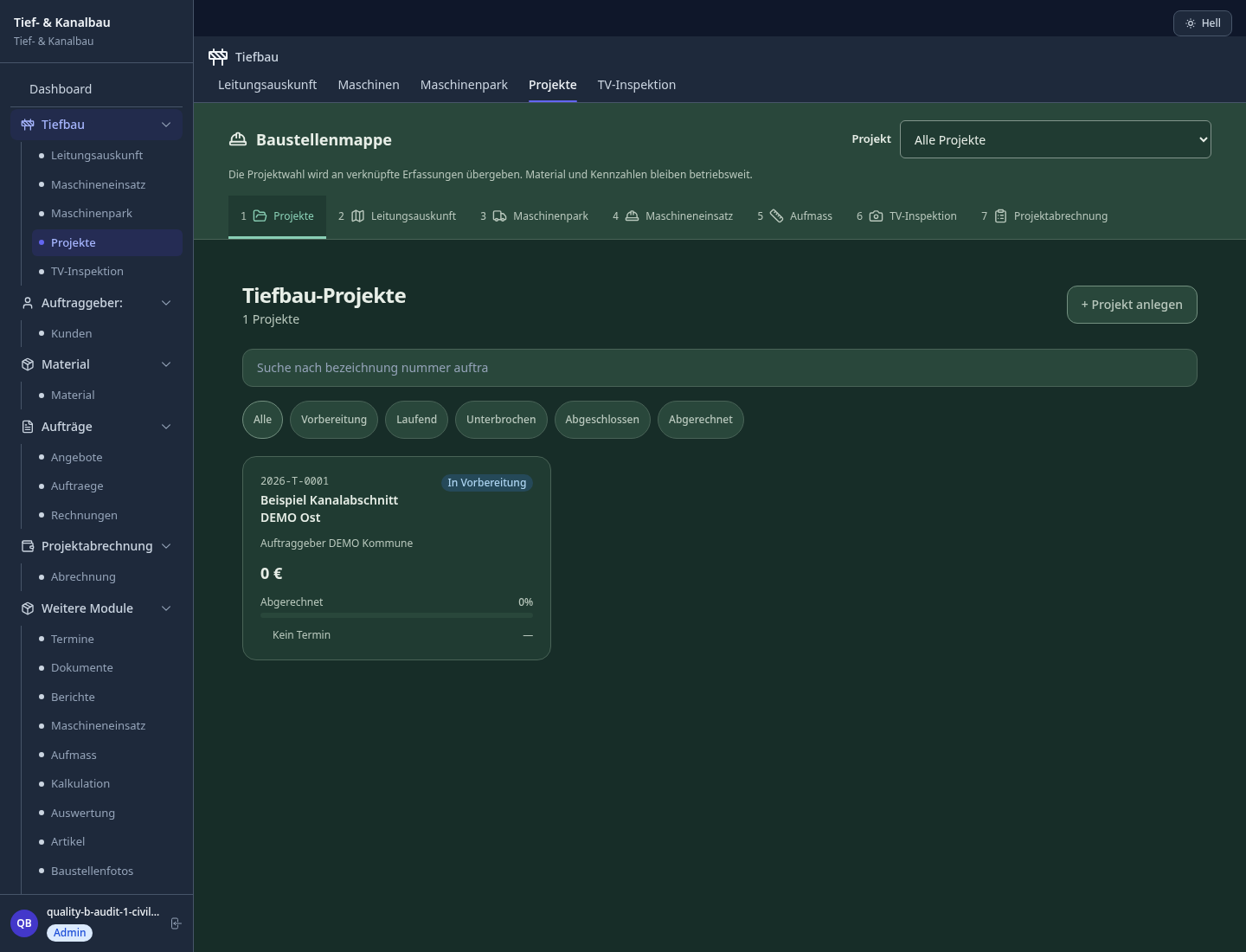
Keep the job name, client, site address and contract amount together so field records have a clear home.
Record an operator, service category, reference, deadline and status for each enquiry. Change the status only when an external reply arrives.
Earthworks and survey views accept entered route points, width and depth. Any calculated quantity depends on those measurements.
How Sektura helps with everyday work
In this fictional site example, a crew will replace a short sewer run in a residential street. A drawing shows a water service near the proposed trench, but its position has not been confirmed.
The site manager links the water operator and its reply deadline to the job, then makes the actual enquiry outside the desk.
When the operator's information arrives, she marks it received and checks the plan and surface marks with the crew on site.
The team adjusts the route before digging and records the measured points and trench dimensions, leaving the unresolved crossing in the site notes.
The job shows the reply status and revised route. The crew still decides how to proceed using the real operator information and site checks.
Getting started is simple
Enter its name, client and the contract amount required by the project form; add the site address and manager.
Create a separate enquiry record with operator and deadline. An open record is not a sent request.
Obtain the replies, resolve discrepancies on site, then enter the measured route, width and depth.
A line on a drawing is not proof of its exact position underground. Follow the operator information and the site's safety process before excavation.
No credit card is needed to start your trial.
Industry solution
Sewer contractors preparing underground excavation
Editorial workflow draft — not a product screenshot.
Existing utilities need checking before a sewer trench is opened.
Collect utility information and ground reports.
Walk the planned route with the relevant site trades.
Record deviations and unresolved questions in the job file.
The crew has an agreed route and a list of open issues.
Map gas, water and power lines before excavation; specifically avoid utility damage
Soil classification calculation for earthworks; automatically calculate excavation and fill volumes
GPS-based route planning with GIS for canal, road and pipeline construction projects
Digital acceptance protocols per ZTV with test values, photos and defect notices on site
Geotechnical reports, explosive ordnance disposal clearances and soil classes assigned to projects
Less paperwork
These features are included in every sektura solution.
Customer records with full project history for all CivilEngineeringDesk jobs and relevant contact and location information.
Invoices for CivilEngineeringDesk services under local law. Automatic numbering, PDF export and dunning management.
Appointments for CivilEngineeringDesk deployments with GPS address, staff assignment and automatic email reminders.
All CivilEngineeringDesk documents managed centrally: plans, protocols, warranties, certificates and manufacturer documentation.
CivilEngineeringDesk jobs with industry-specific fields, status tracking and automatic cost calculation.
Reports for CivilEngineeringDesk: revenue by service type, utilisation, averages and profitability per job.
Vote on new CivilEngineeringDesk features. Which functions matter most? Your vote counts in product development.
Getting started is simple
Set up bill of quantities and costing bases
Configure utility mapping & documentation and enter initial data
Configure earthwork volume calculation and enter initial data
Configure gis route planning & canal works and enter initial data
Create the first invoice or quote and test the workflow
Before you switch, we check which data we can transfer from your existing system.
Plancraft · PlanRadar · openHandwerk · Capmo
Germany · Austria · Switzerland · United Kingdom · France · Spain · Italy · Netherlands · Poland · Portugal · Sweden · Denmark · Norway · Finland · Czechia · Romania · Hungary · Türkiye · Russia · Ukraine · Indonesia · Vietnam · Thailand · Saudi Arabia · China · Japan · South Korea · India · Greece · Croatia · Serbia · Bulgaria · Slovakia · Slovenia · Lithuania · Latvia · Estonia · Albania · Malaysia · Philippines · Bangladesh · Pakistan
04 / Getting started
Choose your industry, country and billing cycle. You will see the corresponding industry price; book add-ons separately when needed.
days free trial
No credit card is needed to start your trial.
No credit card is needed to start your trial.
Add-ons are billed separately in EUR. Displayed prices reflect your selected country and billing cycle.

Software for construction companies and architects – manage building projects, permits, areas and timelines centrally.

Industry software for flooring companies — jobs, areas, subfloors and invoicing.
Industry software for masons and masonry businesses — jobs, construction projects, time tracking and invoicing.
Industry software for plasterers and rendering contractors — jobs, plaster types, surfaces and invoicing.

