Food premises
In a bakery, the professional must assess product use and hygiene requirements for that location.
Industry solution / Service & Facility
For pest control technicians visiting customer premises: keep the observed signs, location, agreed action and follow-up together without treating one visit as the end of an infestation.
Pricing & getting started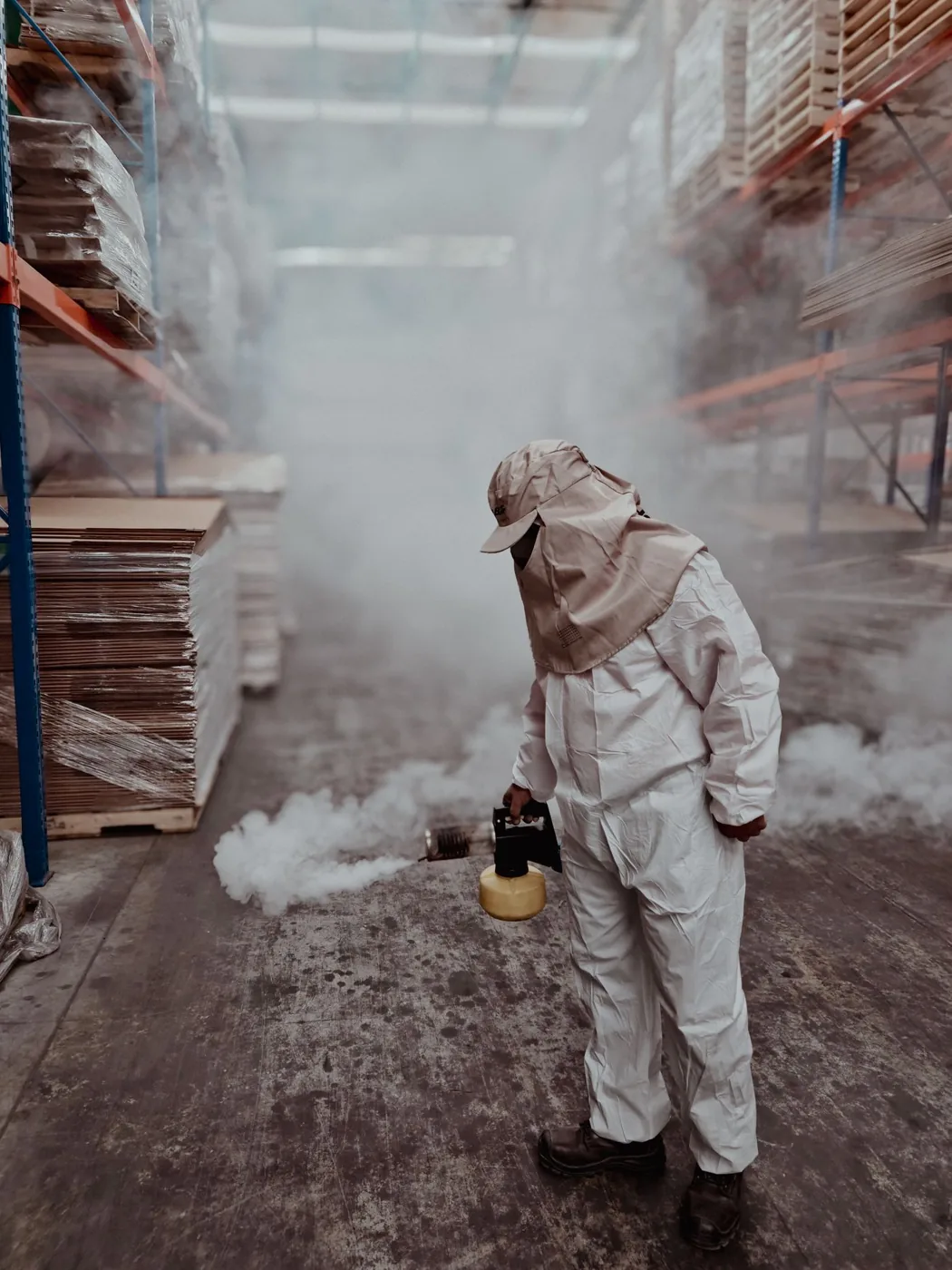
Record pest type, room and signs found during an on-site inspection.
Write down observations and measures discussed with the customer in a report draft.
Agree a check date and review what changed when the technician comes back.
How Sektura helps with everyday work
Example: a bakery reports droppings near dry goods and asks for a site visit.
The technician notes locations and visible signs without guessing the full extent.
They explain an appropriate next step and agree when to recheck.
The observed findings and agreed steps are entered in a visit report for review.
The bakery has a clear record to discuss; the report alone does not prove the infestation is over.
Getting started is simple
Create a fictitious customer and a specific storeroom location.
Enter the observed pest and assessed activity level after checking the site.
Document the agreed action and date, then review the report draft.
In a bakery, the professional must assess product use and hygiene requirements for that location.
No credit card is needed to start your trial.
Industry solution
Pest control field technicians
Editorial workflow draft — not a product screenshot.
A bakery reports mouse traces in its storeroom and requests an on site inspection.
Note locations and signs of infestation.
Discuss suitable measures and a follow up visit with the bakery.
Record observations and agreed steps in the visit report.
The bakery receives a report of findings and agreed follow up steps.
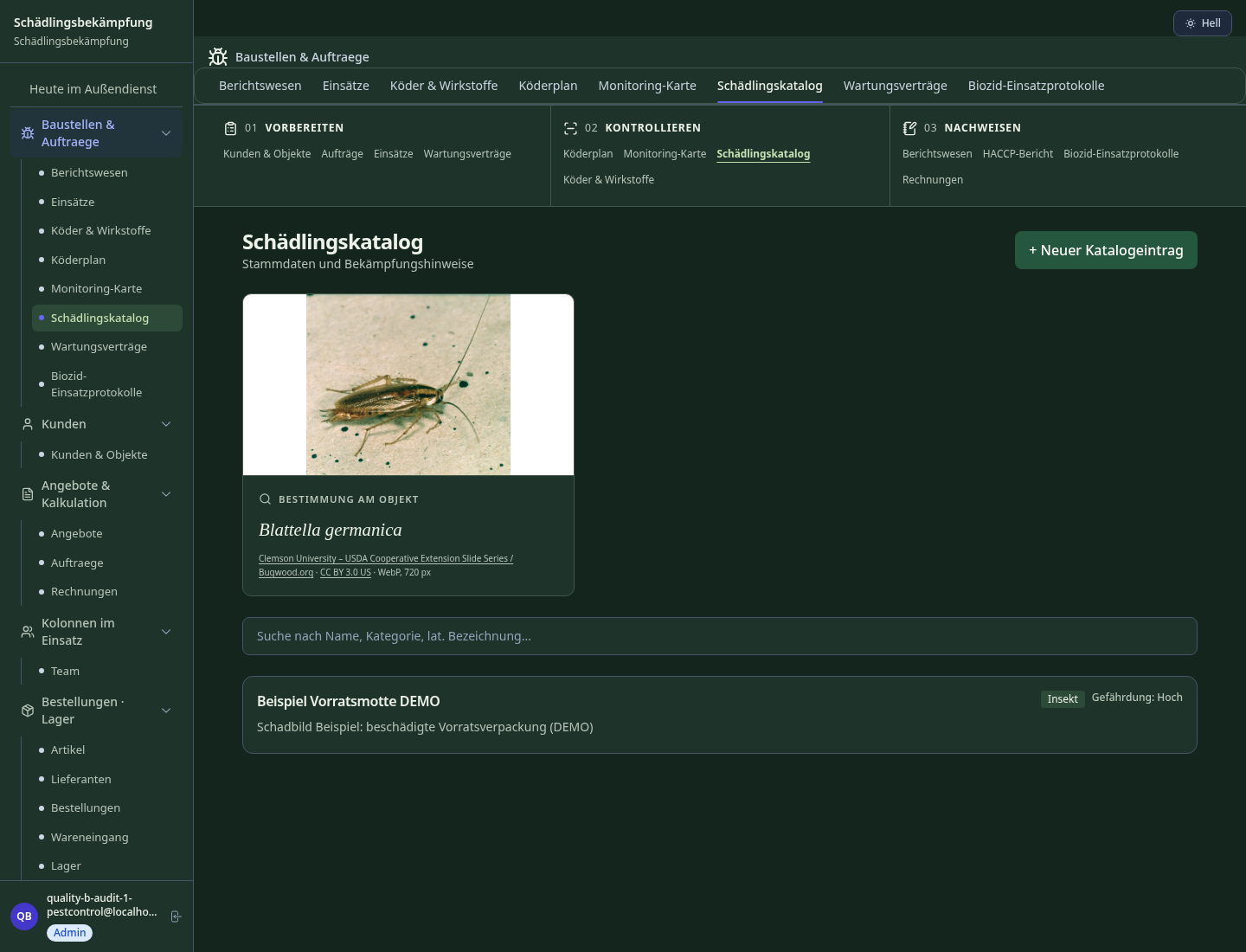
Digitally map infestation zones and pest species — for follow-up visits and authority reports.
Document biocide use per EU Regulation 528/2012 — audit-proof and authority-compliant.
Recurring treatment intervals with automatic scheduling and contract billing.
HACCP-compliant infestation reports for food businesses — including action protocol.
GPS-located traps and monitoring stations — automatic inspection reminders and status log.
Less paperwork
These features are included in every sektura solution.
Customer records with full project history for all Pest Control Desk jobs and relevant contact and location information.
Invoices for Pest Control Desk services under local law. Automatic numbering, PDF export and dunning management.
Appointments for Pest Control Desk deployments with GPS address, staff assignment and automatic email reminders.
All Pest Control Desk documents managed centrally: plans, protocols, warranties, certificates and manufacturer documentation.
Pest Control Desk jobs with industry-specific fields, status tracking and automatic cost calculation.
Reports for Pest Control Desk: revenue by service type, utilisation, averages and profitability per job.
Vote on new Pest Control Desk features. Which functions matter most? Your vote counts in product development.
Getting started is simple
Set up service catalogue with prices and SLAs
Configure pest mapping per property and enter initial data
Configure biocide protocol (reg. 528/2012) and enter initial data
Configure maintenance contracts & treatment plan and enter initial data
Create the first invoice or quote and test the workflow
Before you switch, we check which data we can transfer from your existing system.
PestScan · openHandwerk · ServicePro · Plancraft
Germany · Austria · Switzerland · United Kingdom · France · Spain · Italy · Netherlands · Poland · Portugal · Sweden · Denmark · Norway · Finland · Czechia · Romania · Hungary · Türkiye · Russia · Ukraine · Indonesia · Vietnam · Thailand · Saudi Arabia · China · Japan · South Korea · India · Greece · Croatia · Serbia · Bulgaria · Slovakia · Slovenia · Lithuania · Latvia · Estonia · Albania · Malaysia · Philippines · Bangladesh · Pakistan
04 / Getting started
Choose your industry, country and billing cycle. You will see the corresponding industry price; book add-ons separately when needed.
days free trial
No credit card is needed to start your trial.
No credit card is needed to start your trial.
Add-ons are billed separately in EUR. Displayed prices reflect your selected country and billing cycle.

Industry software for chimney sweeps — sweep districts, emissions measurements, fireplace inspections and invoicing.
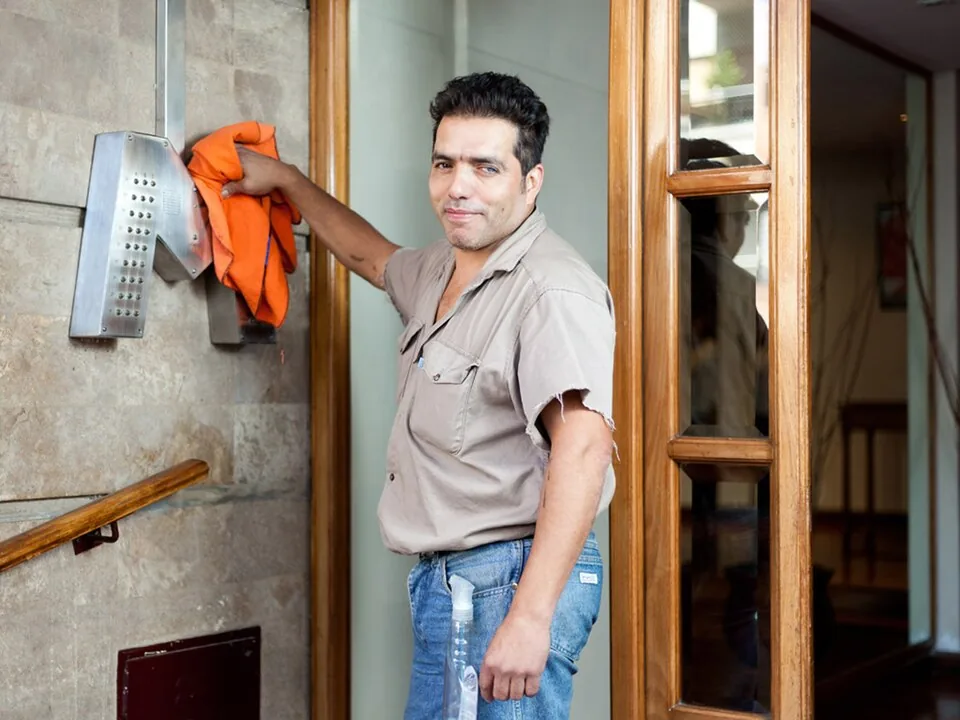
Job management for cleaning companies and facility services
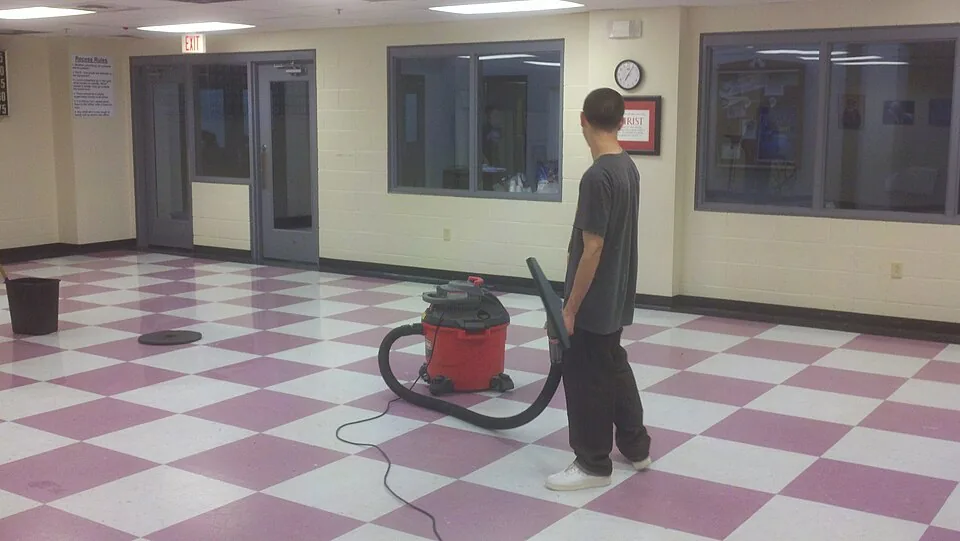
Job management for commercial cleaning companies
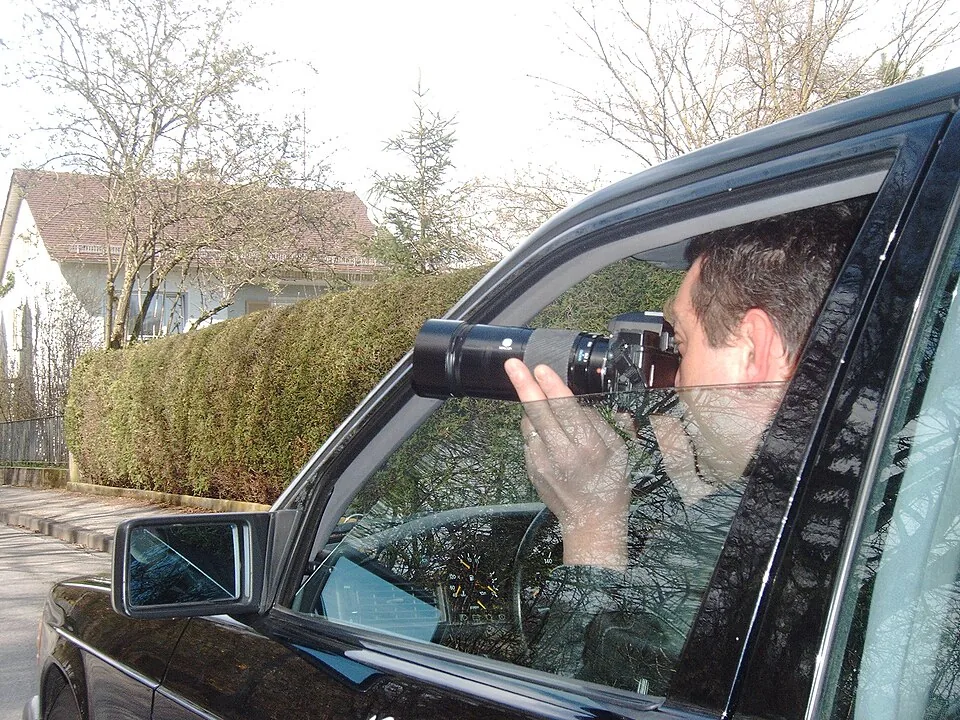
Case management for private investigators and detective agencies

.jpg)

