Children
Agree responsibilities and contact routes with the parent or guardian.
Industry solution / Education & Courses
For music schools coordinating instrument teachers, pupils, lesson times and conversations with families.
Pricing & getting started
Consider instrument, teacher and available lesson time together.
Record prior playing experience and a suitable next piece.
Keep the trial lesson notes ready for the pupil or family.
How Sektura helps with everyday work
In this illustrative example, parents ask for an afternoon piano trial for their child. The school needs to know age, availability and any previous experience.
The school checks who teaches piano and when a slot is free.
Age and prior experience are noted for the teacher.
After the lesson, a suitable piece and possible next appointment are recorded.
The family and teacher can discuss the next steps; learning progress is not guaranteed.
Getting started is simple
Add instruments and teachers who actually teach them.
Create a synthetic pupil with an available lesson time.
Add experience and a practice goal, then reopen the lesson notes.
Agree responsibilities and contact routes with the parent or guardian.
No credit card is needed to start your trial.
Industry solution
Teachers at small music schools
Editorial workflow draft — not a product screenshot.
Parents ask for an afternoon trial piano lesson for their child.
Agree on a teacher and an available lesson time.
Note the child’s age and prior playing experience.
After the lesson, write down a suitable practice piece.
The trial lesson and next learning steps are recorded for the family.
Utilization and hours per teacher · Weekly Grid for All Teachers and Rooms
Detailed records and teaching history
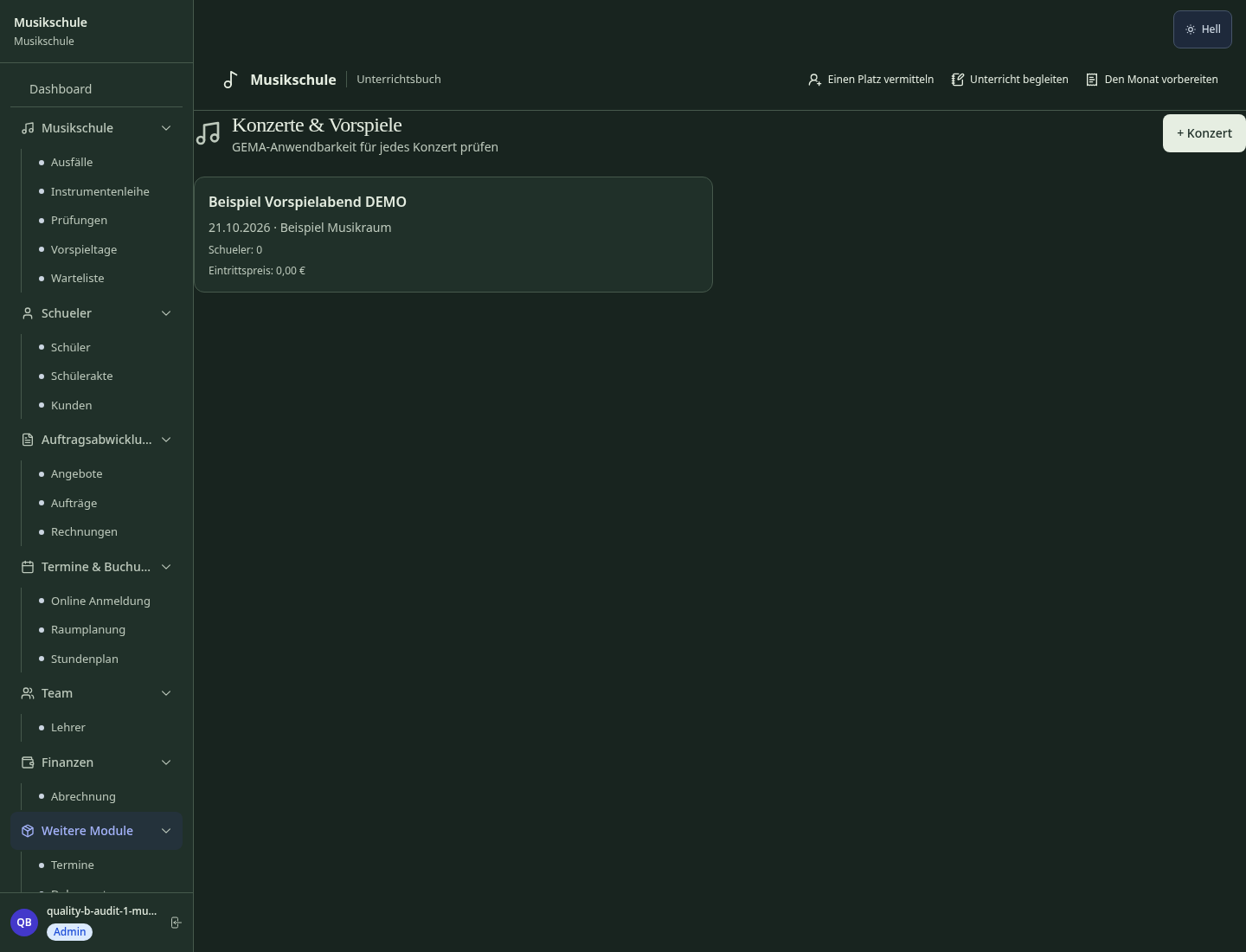
Plan Concerts, Recitals and Performances
Manage issued sheet music per student — incl. return reminders and lending status
New Anmeldungen bearbeiten
Less paperwork
These features are included in every sektura solution.
Customer records with full project history for all MusicDesk jobs and relevant contact and location information.
Invoices for MusicDesk services under local law. Automatic numbering, PDF export and dunning management.
Appointments for MusicDesk deployments with GPS address, staff assignment and automatic email reminders.
All MusicDesk documents managed centrally: plans, protocols, warranties, certificates and manufacturer documentation.
MusicDesk jobs with industry-specific fields, status tracking and automatic cost calculation.
Reports for MusicDesk: revenue by service type, utilisation, averages and profitability per job.
Vote on new MusicDesk features. Which functions matter most? Your vote counts in product development.
Getting started is simple
Set up instruments, teachers and lesson times
Configure teacher-student matching & timetable and enter initial data
Configure practice log with parent access and enter initial data
Configure recital planning & seat booking and enter initial data
Create the first invoice or quote and test the workflow
Before you switch, we check which data we can transfer from your existing system.
iMikel · Yolawo · MusicSchool Manager · Hello Music
Germany · Austria · Switzerland · United Kingdom · France · Spain · Italy · Netherlands · Poland · Portugal · Sweden · Denmark · Norway · Finland · Czechia · Romania · Hungary · Türkiye · Russia · Ukraine · Indonesia · Vietnam · Thailand · Saudi Arabia · China · Japan · South Korea · India · Greece · Croatia · Serbia · Bulgaria · Slovakia · Slovenia · Lithuania · Latvia · Estonia · Albania · Malaysia · Philippines · Bangladesh · Pakistan
04 / Getting started
Choose your industry, country and billing cycle. You will see the corresponding industry price; book add-ons separately when needed.
days free trial
No credit card is needed to start your trial.
No credit card is needed to start your trial.
Add-ons are billed separately in EUR. Displayed prices reflect your selected country and billing cycle.

Software for daycare centres – child management, care schedules and parent communication in one system.

Course and participant management for course providers, adult education and seminar organisers

Software for driving schools – manage students, theory, lessons and driving tests clearly and efficiently.

Software for tutoring centres and private teachers – manage students, lessons and invoices with ease.