Local training rules matter
Required lessons, records and test procedures differ by country and licence class; verify the applicable process before relying on an internal status.
Industry solution / Education & Courses
When a learner asks about a test date, the school needs the lesson history, theory status and available instructor in one discussion. Sektura keeps those internal records together so the next training decision has a clear trail.
Pricing & getting started
Recorded theory status, completed drives and outstanding practice are visible with the learner, giving instructors a useful starting point for their assessment.
Choose a time, instructor, training vehicle and lesson type. The daily workload view helps the office spot a crowded timetable.
Enter an intended test and later record its result. The school still handles the real booking and professional judgement.
How Sektura helps with everyday work
Fictional workday example: A learner asks for a practical test date after struggling with a busy junction during a lesson. The instructor wants one more focused session before deciding.
The instructor opens the learner record, checks the recorded lessons and notes the junction work from today.
The office checks the instructor and vehicle schedule, then sets up another practice lesson.
After that session, the instructor can assess readiness and the office can record a proposed internal test date if appropriate.
The learner leaves with a specific practice plan; the test has not been promised by a software flag.
Getting started is simple
Enter a fictional learner, contact details and the relevant licence class.
Record the instructor and training vehicle you will use for the example timetable.
Schedule a drive, mark it completed after it ends and review the learner record before adding a test entry.
Required lessons, records and test procedures differ by country and licence class; verify the applicable process before relying on an internal status.
No credit card is needed to start your trial.
Industry solution
Driving schools
Editorial workflow draft — not a product screenshot.
A learner asks about a test date after the latest driving lesson.
Review training progress and remaining lessons.
Coordinate instructor and vehicle availability.
Record the date and remaining preparation with the learner.
The learner and school have an agreed preparation plan.
Minimum training depends on licence class and country. Assess practice needs and training completion separately.
Vehicle dispatch, MOT deadlines, insurance and vehicle occupancy
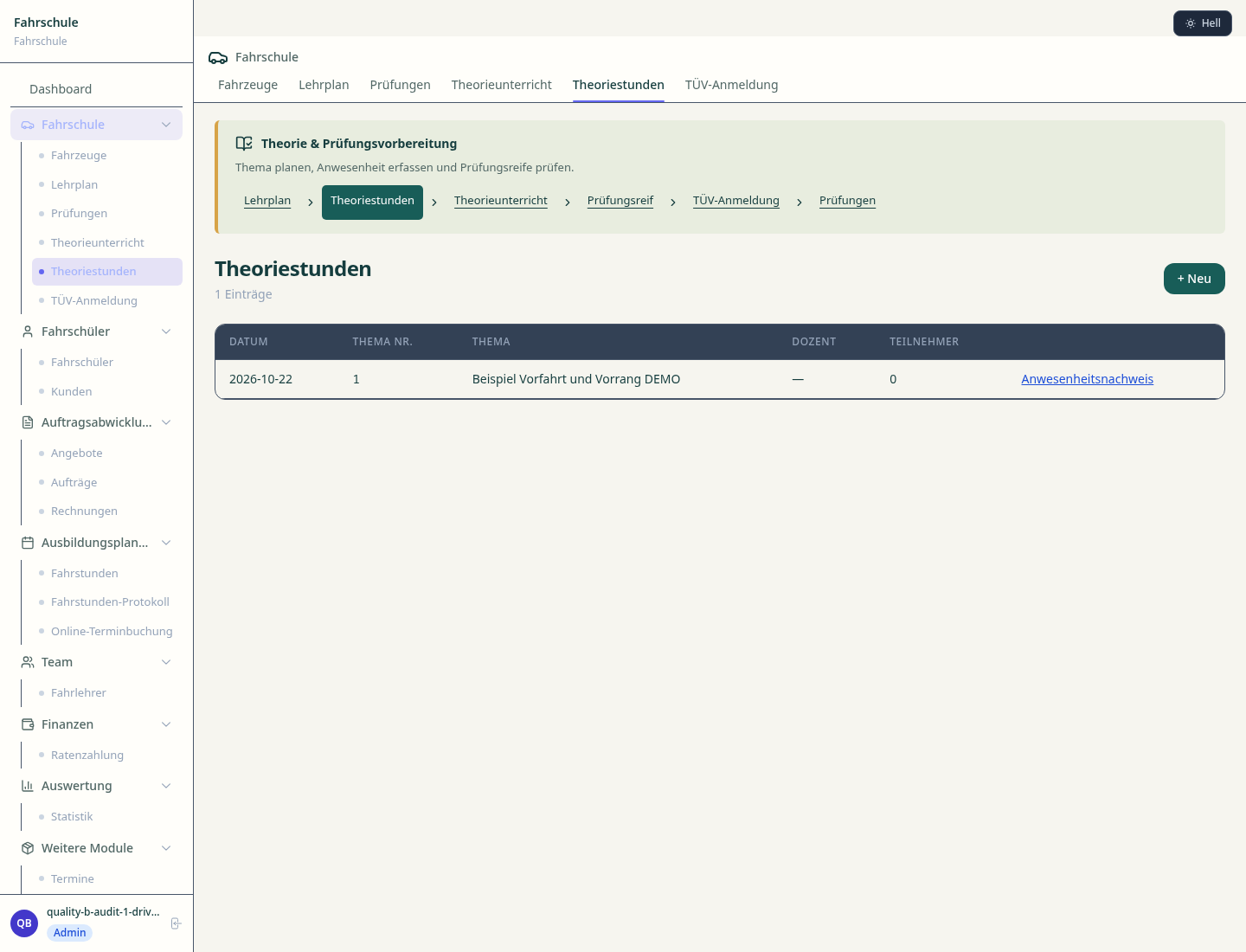
Timetable, room planning and attendance lists for theory evenings
Theory and practical exams, registration, results and pass rate
Invoicing, instalments and dunning to students
Less paperwork
These features are included in every sektura solution.
Customer records with full project history for all DrivingSchoolDesk jobs and relevant contact and location information.
Invoices for DrivingSchoolDesk services under local law. Automatic numbering, PDF export and dunning management.
Appointments for DrivingSchoolDesk deployments with GPS address, staff assignment and automatic email reminders.
All DrivingSchoolDesk documents managed centrally: plans, protocols, warranties, certificates and manufacturer documentation.
DrivingSchoolDesk jobs with industry-specific fields, status tracking and automatic cost calculation.
Reports for DrivingSchoolDesk: revenue by service type, utilisation, averages and profitability per job.
Vote on new DrivingSchoolDesk features. Which functions matter most? Your vote counts in product development.
Getting started is simple
Set up learner drivers, vehicles and lesson prices
Configure digital training record and enter initial data
Configure vehicle fleet management and enter initial data
Configure theory course management and enter initial data
Create the first invoice or quote and test the workflow
Before you switch, we check which data we can transfer from your existing system.
DriveSchool123 · FahrenLernen · ClickClickDrive · Fahrschulcard
Germany · Austria · Switzerland · United Kingdom · France · Spain · Italy · Netherlands · Poland · Portugal · Sweden · Denmark · Norway · Finland · Czechia · Romania · Hungary · Türkiye · Russia · Ukraine · Indonesia · Vietnam · Thailand · Saudi Arabia · China · Japan · South Korea · India · Greece · Croatia · Serbia · Bulgaria · Slovakia · Slovenia · Lithuania · Latvia · Estonia · Albania · Malaysia · Philippines · Bangladesh · Pakistan
04 / Getting started
Choose your industry, country and billing cycle. You will see the corresponding industry price; book add-ons separately when needed.
days free trial
No credit card is needed to start your trial.
No credit card is needed to start your trial.
Add-ons are billed separately in EUR. Displayed prices reflect your selected country and billing cycle.

Software for daycare centres – child management, care schedules and parent communication in one system.

Course and participant management for course providers, adult education and seminar organisers

Student and lesson management for music teachers and music schools

Software for tutoring centres and private teachers – manage students, lessons and invoices with ease.