Before planting
Confirm access, plant delivery, season and weather. A scheduled visit or plant record does not guarantee availability or establishment.
Industry solution / Trades & Construction
A landscaper needs more than a plant list: bed area, soil, light, access, labour and supply all shape the offer. Keep these decisions with the actual job through estimate, quote and site visit.
Pricing & getting started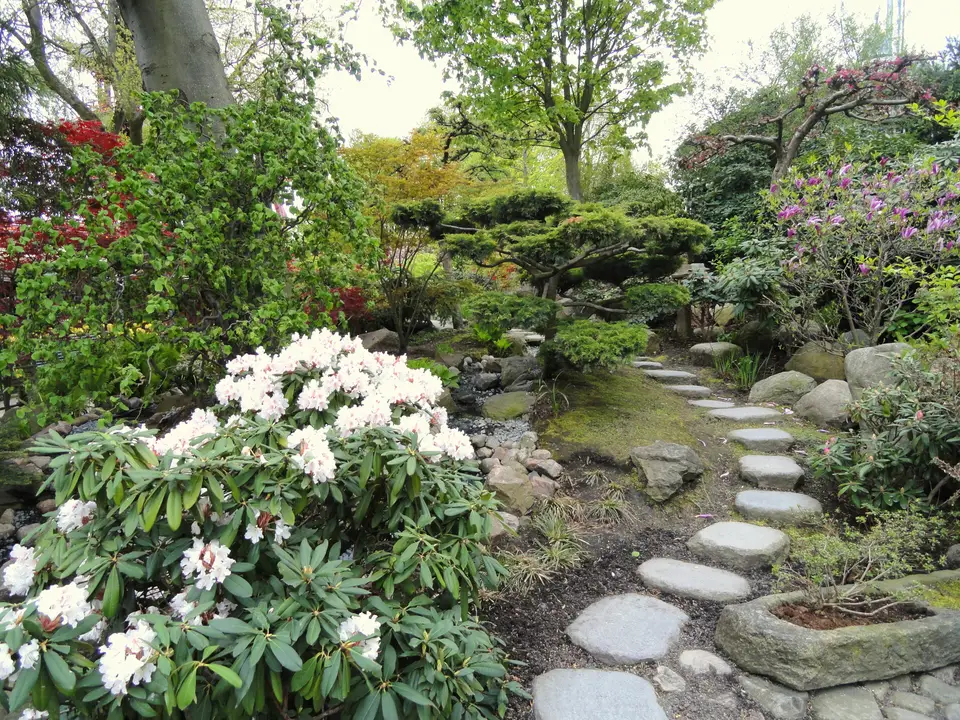
The project records address and area; the business verifies dimensions and conditions on site.
The estimate separates labour, material, machines and disposal, while the quote states the work and quantities to agree.
Schedule, people, machines and visit report help the crew deliver and record the agreed work.
How Sektura helps with everyday work
Fictional work example: residents want new shrubs in beds shaded in the afternoon. A narrow gateway limits how soil and old plants can be moved.
Record area, soil, light and access in the project; check the dimensions yourself.
Count soil preparation, plants, hours and disposal, then agree the scope with the residents.
Once accepted, confirm plant supply, assign people and record what was actually done on site.
The crew arrives with the measured beds, agreed tasks and access constraint in view.
Getting started is simple
Enter a fictional address, bed area, access note and requested work.
Use sample hours, plants, materials, machine and disposal costs with checked units.
Create a sample quote, then assign a date and crew after sample acceptance and review the visit report.
Confirm access, plant delivery, season and weather. A scheduled visit or plant record does not guarantee availability or establishment.
No credit card is needed to start your trial.
Industry solution
Landscapers installing outdoor planting
Editorial workflow draft — not a product screenshot.
A residents’ group commissions new planting for its shared courtyard.
Measure the beds and note sunlight on site.
Agree plant varieties, quantities and positions with the residents.
Schedule the crew and planting day for the courtyard.
The planting list, locations and work date are linked to the courtyard job.
Quote creation & follow-up
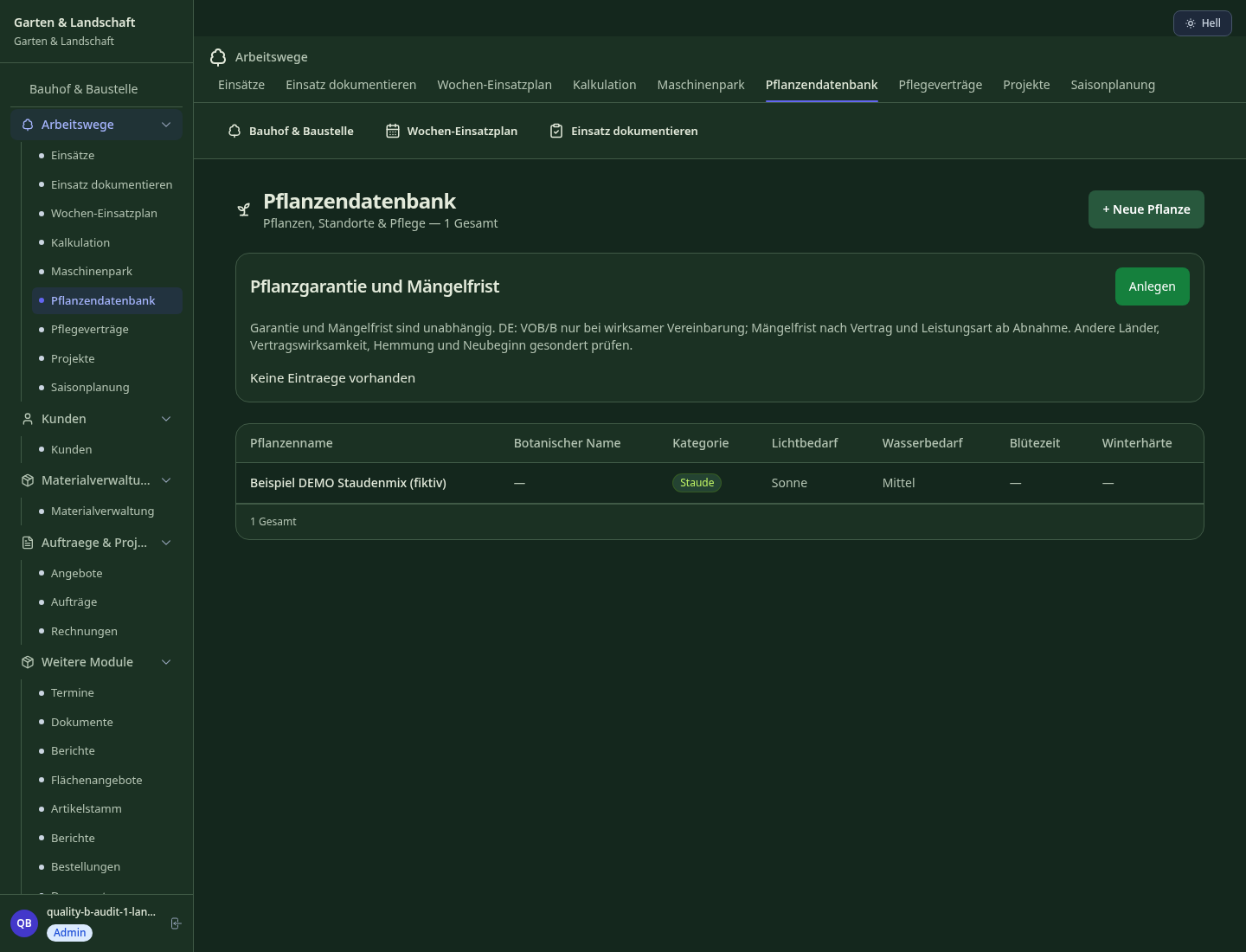
Plant lists with botanical names and DIN 18916/18917 quality specifications
Contracts & wiederkehrende Pflege
Record proof of service & photos
Crew planning, weekly deployment plan & teams
Less paperwork
These features are included in every sektura solution.
Customer records with full project history for all GardenDesk jobs and relevant contact and location information.
Invoices for GardenDesk services under local law. Automatic numbering, PDF export and dunning management.
Appointments for GardenDesk deployments with GPS address, staff assignment and automatic email reminders.
All GardenDesk documents managed centrally: plans, protocols, warranties, certificates and manufacturer documentation.
GardenDesk jobs with industry-specific fields, status tracking and automatic cost calculation.
Reports for GardenDesk: revenue by service type, utilisation, averages and profitability per job.
Vote on new GardenDesk features. Which functions matter most? Your vote counts in product development.
Getting started is simple
Set up service catalogue with hourly rates and material prices
Configure specification & ava (fll-compliant) and enter initial data
Configure planting plan din 18916 and enter initial data
Configure maintenance contract management fll and enter initial data
Create the first invoice or quote and test the workflow
Before you switch, we check which data we can transfer from your existing system.
Taifun · Greenbase · Progard · openHandwerk
Germany · Austria · Switzerland · United Kingdom · France · Spain · Italy · Netherlands · Poland · Portugal · Sweden · Denmark · Norway · Finland · Czechia · Romania · Hungary · Türkiye · Russia · Ukraine · Indonesia · Vietnam · Thailand · Saudi Arabia · China · Japan · South Korea · India · Greece · Croatia · Serbia · Bulgaria · Slovakia · Slovenia · Lithuania · Latvia · Estonia · Albania · Malaysia · Philippines · Bangladesh · Pakistan
04 / Getting started
Choose your industry, country and billing cycle. You will see the corresponding industry price; book add-ons separately when needed.
days free trial
No credit card is needed to start your trial.
No credit card is needed to start your trial.
Add-ons are billed separately in EUR. Displayed prices reflect your selected country and billing cycle.
Project planning, construction supervision, CAD management and client management for architecture firms.

Job management for auto repair shops and garages

Job management for carpenters, joiners and cabinet makers — Furniture, kitchens & interior fit-out

Job management for electricians and electrical contractors
