Check local working constraints
Wildlife protection, permitted cutting times, access and site rules vary; confirm them for the actual location and job.
Industry solution / Agriculture & Horticulture
A meadow due for mowing and a planted courtyard need different visits. Sektura keeps the site, care interval, next date and crew work together, so the office can plan the week and see what the team completed.
Pricing & getting started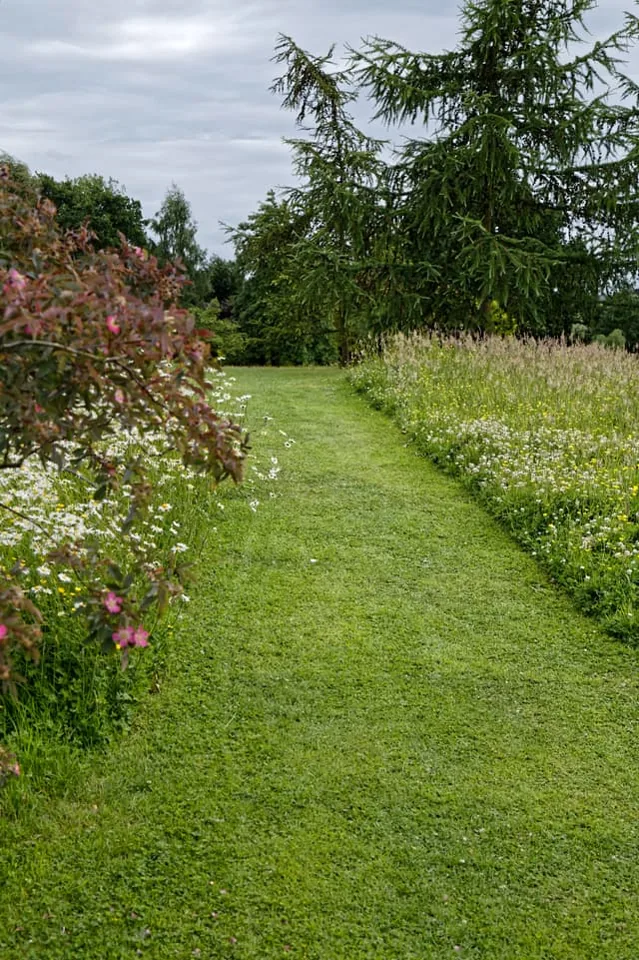
Area type, size, address, care level and next visit stay with the property instead of vanishing into a general diary.
Due sites and planned visits appear together. The crew, tasks and machines can be chosen for that day’s work.
The visit records tasks, hours and outstanding issues; closing it can move the next care date for supported intervals.
How Sektura helps with everyday work
Fictional workday example: A team arrives to mow a public meadow after rain. The far corner is waterlogged, while a branch beside the path looks damaged.
The coordinator opens the site record and confirms which areas are due and what was agreed with the client.
The team uses the suitable mower on accessible ground and records the wet corner as work still to do.
Afterwards it records hours, the mown area and the branch as an issue for the responsible person, without treating that note as a tree inspection.
The client can distinguish finished mowing from work left open; the next crew has a usable handover.
Getting started is simple
Use fictional details for site type, size, address, care interval and scope of work.
Record the example team and mower before allocating the visit.
Plan tasks, enter actual hours and issues afterwards, then check the next due date.
Wildlife protection, permitted cutting times, access and site rules vary; confirm them for the actual location and job.
No credit card is needed to start your trial.
Industry solution
Crews maintaining public green spaces
Editorial workflow draft — not a product screenshot.
A municipal meadow is due for mowing; access and care needs must be checked before the visit.
Note the site and current condition during a walk-through.
Agree on mowing time, crew and equipment.
After the visit, record tree concerns and completed care work.
The cut and remaining care needs are recorded for the next visit.
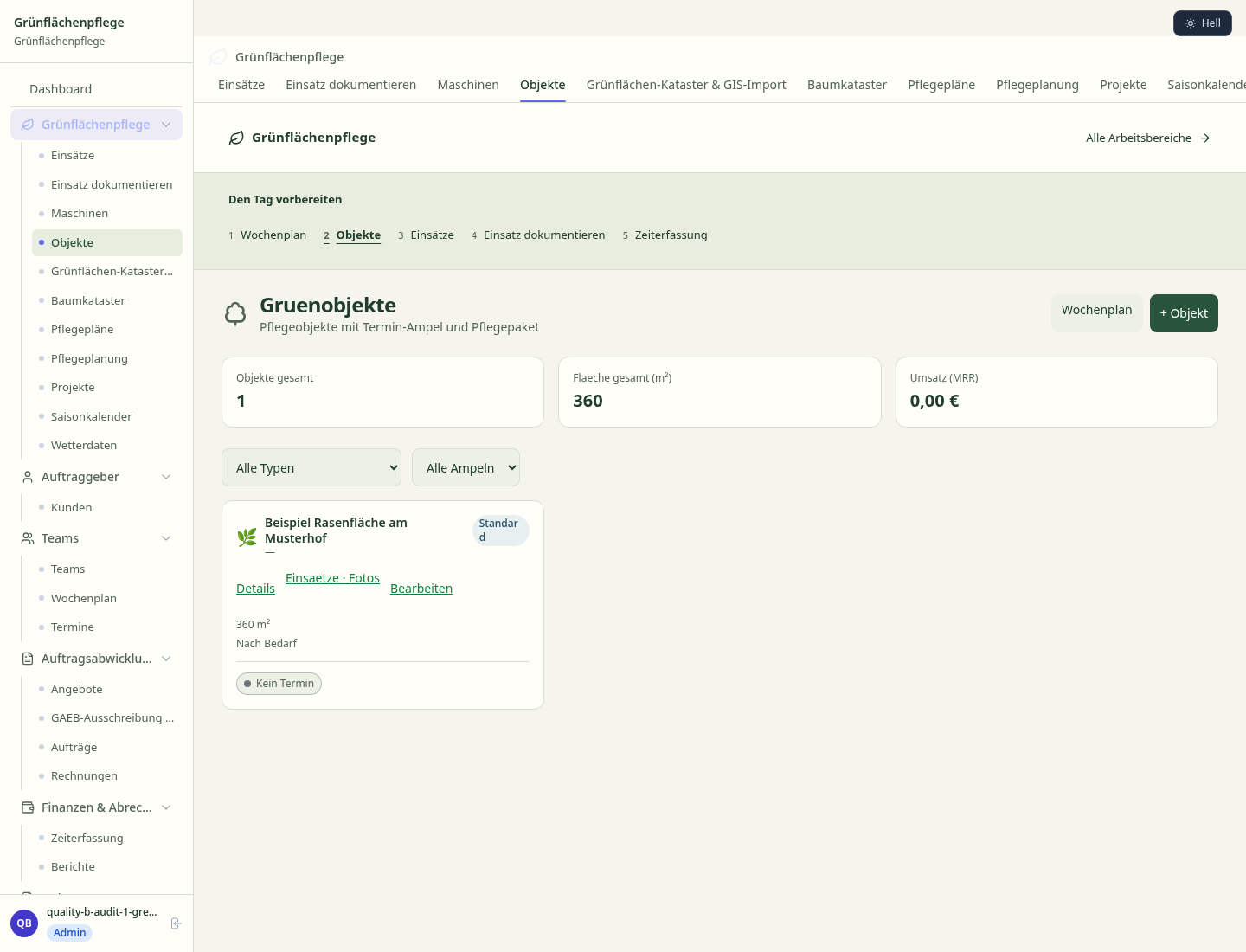
Maintenance sites with contracts, areas and schedule traffic light
Cycle-controlled maintenance plans, digital logs per area including cuttings
Quotes and order proposals
Site-based maintenance plans and measures
Weekly deployment planning by day, team and site
Less paperwork
These features are included in every sektura solution.
Customer records with full project history for all GreenSpacesDesk jobs and relevant contact and location information.
Invoices for GreenSpacesDesk services under local law. Automatic numbering, PDF export and dunning management.
Appointments for GreenSpacesDesk deployments with GPS address, staff assignment and automatic email reminders.
All GreenSpacesDesk documents managed centrally: plans, protocols, warranties, certificates and manufacturer documentation.
GreenSpacesDesk jobs with industry-specific fields, status tracking and automatic cost calculation.
Reports for GreenSpacesDesk: revenue by service type, utilisation, averages and profitability per job.
Vote on new GreenSpacesDesk features. Which functions matter most? Your vote counts in product development.
Getting started is simple
Register maintenance sites and green spaces
Configure green space cadastre & gis import and enter initial data
Configure mowing plans & maintenance logs and enter initial data
Configure gaeb municipal tender and enter initial data
Create the first invoice or quote and test the workflow
Before you switch, we check which data we can transfer from your existing system.
Taifun · Greenbase · Progard · openHandwerk
Germany · Austria · Switzerland · United Kingdom · France · Spain · Italy · Netherlands · Poland · Portugal · Sweden · Denmark · Norway · Finland · Czechia · Romania · Hungary · Türkiye · Russia · Ukraine · Indonesia · Vietnam · Thailand · Saudi Arabia · China · Japan · South Korea · India · Greece · Croatia · Serbia · Bulgaria · Slovakia · Slovenia · Lithuania · Latvia · Estonia · Albania · Malaysia · Philippines · Bangladesh · Pakistan
04 / Getting started
Choose your industry, country and billing cycle. You will see the corresponding industry price; book add-ons separately when needed.
days free trial
No credit card is needed to start your trial.
No credit card is needed to start your trial.
Add-ons are billed separately in EUR. Displayed prices reflect your selected country and billing cycle.

Farm management for agricultural operations, direct marketers and organic farms.
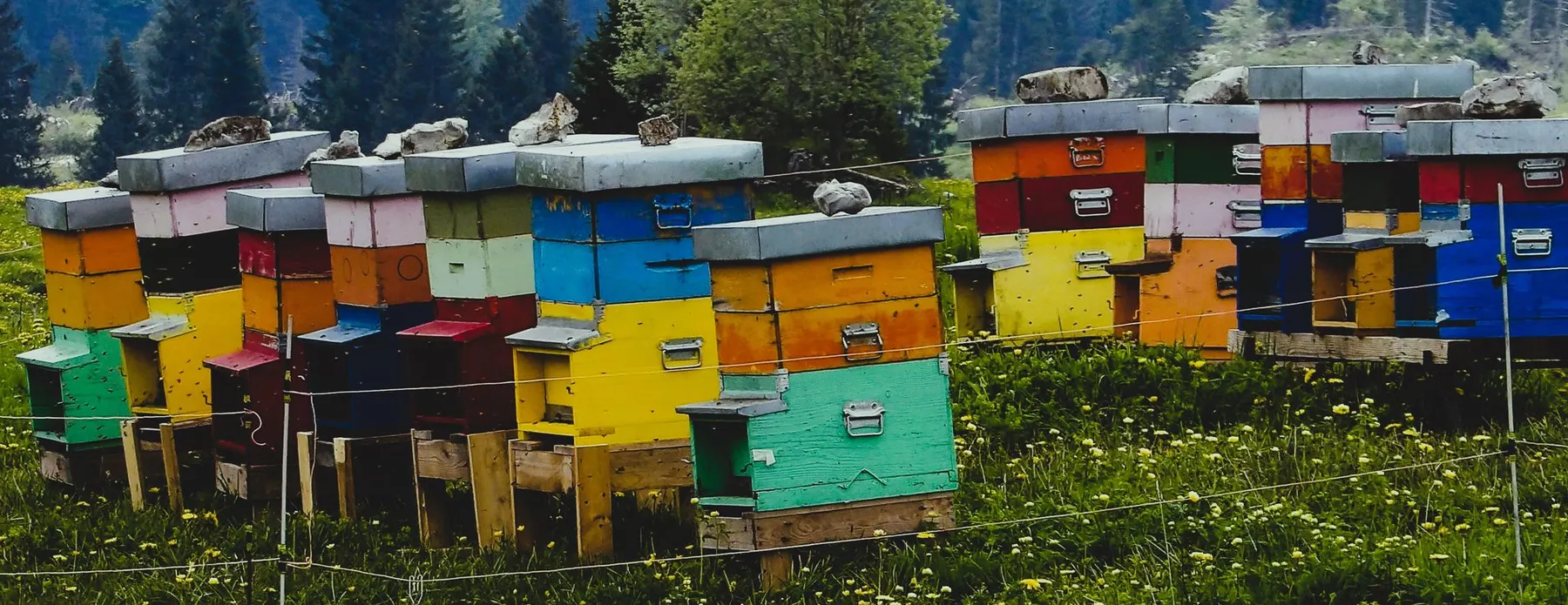
Software for beekeepers – manage colonies, apiaries, honey harvests and varroa treatments digitally.

Industry software for agricultural businesses — jobs, land, machinery, subsidies and direct marketing.
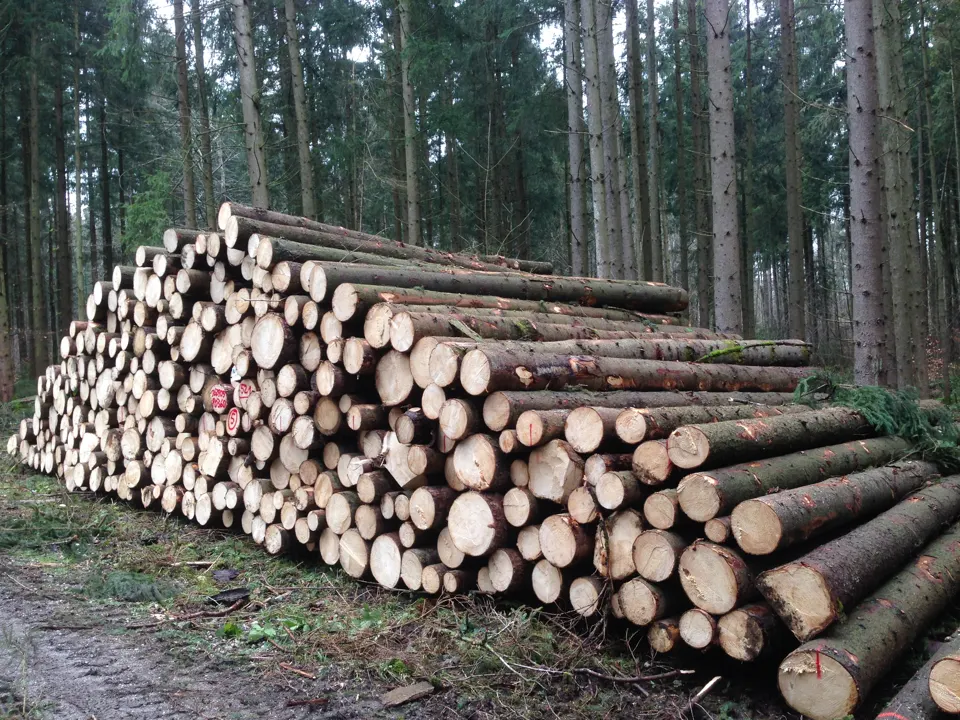
Software for forestry operations – manage forest measures, stands, timber species and protected areas.


