Local permissions
Check the competent local authority before judging a catch or issuing a permit.
Industry solution / Sports & Fitness
For fisheries managing waters, catch records, stocking and permits.
Pricing & getting started
Record species, quantity, date and water section for later review.
Maintain waters and stocking actions in their own records.
Assign day tickets and licences and check their details before issue.
How Sektura helps with everyday work
Fictional example: A catch report arrives with a species, quantity and stretch of river. Local rules must still be checked.
Select the section and catch date.
Enter the reported species and quantity in the catch log; ask for missing details.
Find the entry in the catch log; record any stocking activity separately.
The report has a traceable origin; this does not itself make any official filing.
Getting started is simple
Create a synthetic water section.
Enter a fictional catch with date, species and quantity and find it in the catch log.
Create a test day ticket with a holder and water, then review the details in the ticket list.
Check the competent local authority before judging a catch or issuing a permit.
No credit card is needed to start your trial.
Industry solution
Fishing operations
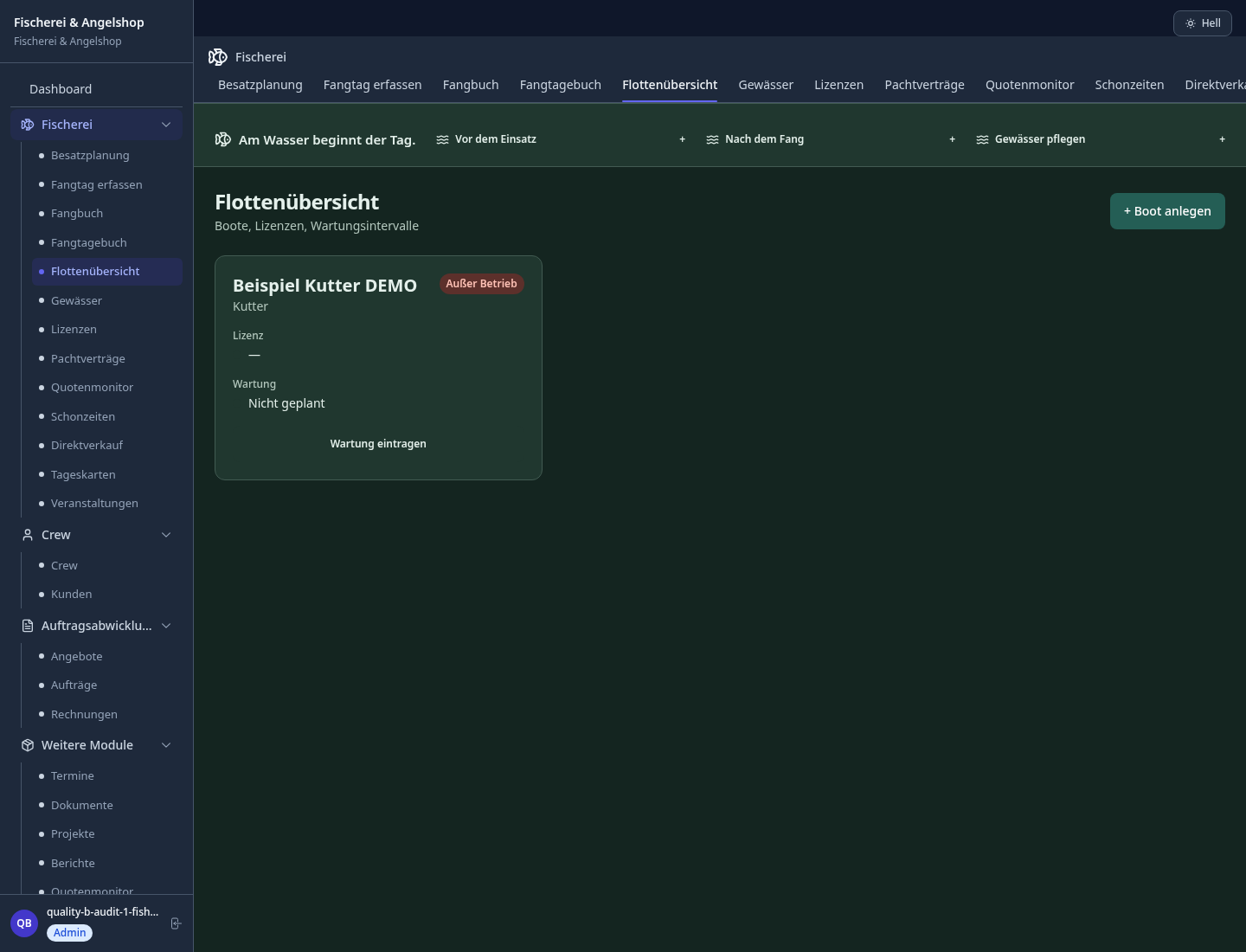
Editorial workflow draft — not a product screenshot.
After a river catch, the species and location need recording.
Identify the water section and catch date.
Note the species and reported quantity in the catch record.
Review the details for a later stock overview.
The catch and its location are traceable in the record.
Manage fishing districts and sections, issue annual/day permits digitally
Digital catch book with conservation analysis, DAFV/EAA compliant, exportable
Digital ID issuance with QR code verification and SEPA direct debit collection
Document stocking measures, track species recording and water body value development
Youth fishing courses, angling exam preparation and instructor assignment
Less paperwork
These features are included in every sektura solution.
Customer records with full project history for all FishingDesk jobs and relevant contact and location information.
Invoices for FishingDesk services under local law. Automatic numbering, PDF export and dunning management.
Appointments for FishingDesk deployments with GPS address, staff assignment and automatic email reminders.
All FishingDesk documents managed centrally: plans, protocols, warranties, certificates and manufacturer documentation.
FishingDesk jobs with industry-specific fields, status tracking and automatic cost calculation.
Reports for FishingDesk: revenue by service type, utilisation, averages and profitability per job.
Vote on new FishingDesk features. Which functions matter most? Your vote counts in product development.
Getting started is simple
Set up waters, fish species and fishing permits
Configure water body & district management and enter initial data
Configure digital catch book & conservation duty and enter initial data
Configure fishing license & membership card and enter initial data
Create the first invoice or quote and test the workflow
Before you switch, we check which data we can transfer from your existing system.
Fangbuch Online · helloCash · ready2order · Shore
Germany · Austria · Switzerland · United Kingdom · France · Spain · Italy · Netherlands · Poland · Portugal · Sweden · Denmark · Norway · Finland · Czechia · Romania · Hungary · Türkiye · Russia · Ukraine · Indonesia · Vietnam · Thailand · Saudi Arabia · China · Japan · South Korea · India · Greece · Croatia · Serbia · Bulgaria · Slovakia · Slovenia · Lithuania · Latvia · Estonia · Albania · Malaysia · Philippines · Bangladesh · Pakistan
04 / Getting started
Choose your industry, country and billing cycle. You will see the corresponding industry price; book add-ons separately when needed.
days free trial
No credit card is needed to start your trial.
No credit card is needed to start your trial.
Add-ons are billed separately in EUR. Displayed prices reflect your selected country and billing cycle.
Software for campsites – professional management of pitches, bookings, arrivals, departures and invoices.

Software for climbing gyms – efficient management of memberships, courses, day tickets and invoices.

Software for equestrian businesses – bookings, riding lessons, livery boxes and horse management at a glance.
Software for gyms and fitness studios – manage members, memberships, check-ins and personal training.