Before live use
Review site map, seasonal rates, local levies and any access hardware for your site.
Industry solution / Sports & Fitness
For campsites that need to connect bookings, pitch allocation, arrivals and metered use at reception. Staff work with the actual stay, not an isolated calendar slot.
Pricing & getting started
Compare a booking with available pitches for its dates, including pitch type and facilities.
Keep guest, arrival and pitch details together so the next shift can find the stay.
Record electricity or water readings against the pitch and review them with the campsite’s configured rates.
How Sektura helps with everyday work
Fictional example: A motorhome is booked from Friday to Sunday. Its guest will arrive after reception closes and needs an electric pitch.
Reception compares both nights with the occupancy plan and available electric pitches.
Booking, guest and pitch number are kept together so the evening team can find the arrival.
Staff note the opening reading at handover and add the final reading only at departure.
The team knows which pitch to prepare. The electricity charge can be checked against recorded readings and the site’s configured tariff before invoicing.
Getting started is simple
Use the pitch numbers, types and facilities staff recognise.
Set up season dates, pitch rates and any metered tariffs with test data.
Create a synthetic reservation, allocate a free pitch and check the invoice after entering a meter reading.
Review site map, seasonal rates, local levies and any access hardware for your site.
No credit card is needed to start your trial.
Industry solution
Campsites allocating guest pitches
Editorial workflow draft — not a product screenshot.
A guest arrives late and needs an assigned pitch.
Match the reservation to an available pitch.
Record the arrival and pitch for staff.
Note the electricity meter reading at handover.
Staff have the details needed to receive the guest.
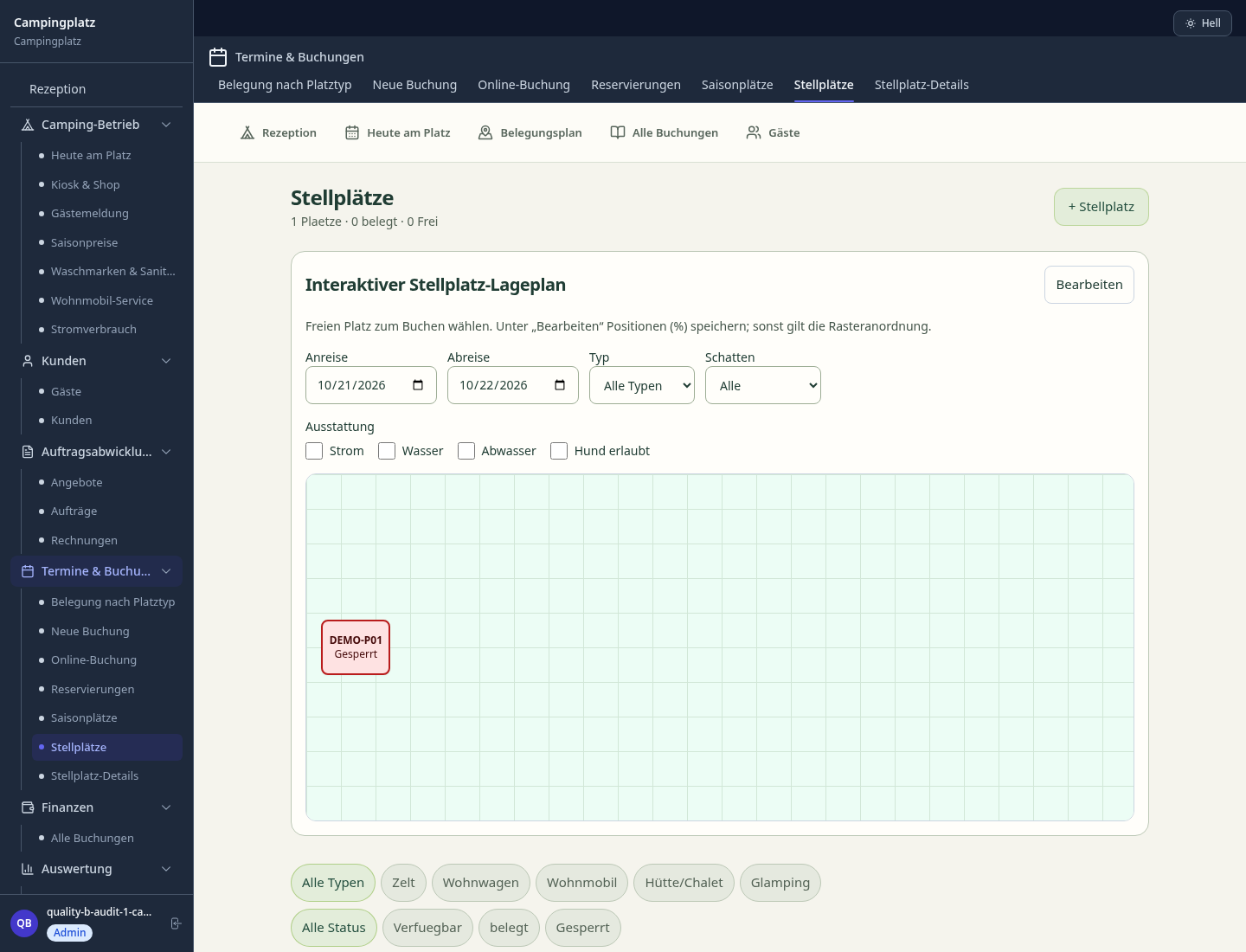
Book pitches graphically – filter by type (motorhome, tent, cabin) and amenities
Record meter readings, bill consumption per pitch
Long-term and seasonal pitch management with contracts
Create stay, assign pitch, calculate price
Record levies and guest forms; check local submission.
Less paperwork
These features are included in every sektura solution.
Customer records with full project history for all CampingDesk jobs and relevant contact and location information.
Invoices for CampingDesk services under local law. Automatic numbering, PDF export and dunning management.
Appointments for CampingDesk deployments with GPS address, staff assignment and automatic email reminders.
All CampingDesk documents managed centrally: plans, protocols, warranties, certificates and manufacturer documentation.
CampingDesk jobs with industry-specific fields, status tracking and automatic cost calculation.
Reports for CampingDesk: revenue by service type, utilisation, averages and profitability per job.
Vote on new CampingDesk features. Which functions matter most? Your vote counts in product development.
Getting started is simple
Set up pitches, seasonal prices and facilities
Configure interactive pitch map and enter initial data
Configure electricity & water consumption metering and enter initial data
Configure season pass & permanent camping and enter initial data
Create the first invoice or quote and test the workflow
Before you switch, we check which data we can transfer from your existing system.
Phobs · Pitchup · CampManager · booking.com
Germany · Austria · Switzerland · United Kingdom · France · Spain · Italy · Netherlands · Poland · Portugal · Sweden · Denmark · Norway · Finland · Czechia · Romania · Hungary · Türkiye · Russia · Ukraine · Indonesia · Vietnam · Thailand · Saudi Arabia · China · Japan · South Korea · India · Greece · Croatia · Serbia · Bulgaria · Slovakia · Slovenia · Lithuania · Latvia · Estonia · Albania · Malaysia · Philippines · Bangladesh · Pakistan
04 / Getting started
Choose your industry, country and billing cycle. You will see the corresponding industry price; book add-ons separately when needed.
days free trial
No credit card is needed to start your trial.
No credit card is needed to start your trial.
Add-ons are billed separately in EUR. Displayed prices reflect your selected country and billing cycle.

Software for climbing gyms – efficient management of memberships, courses, day tickets and invoices.

Software for equestrian businesses – bookings, riding lessons, livery boxes and horse management at a glance.

Software for anglers and fishing clubs – document catches, manage waters and track fishing licences.
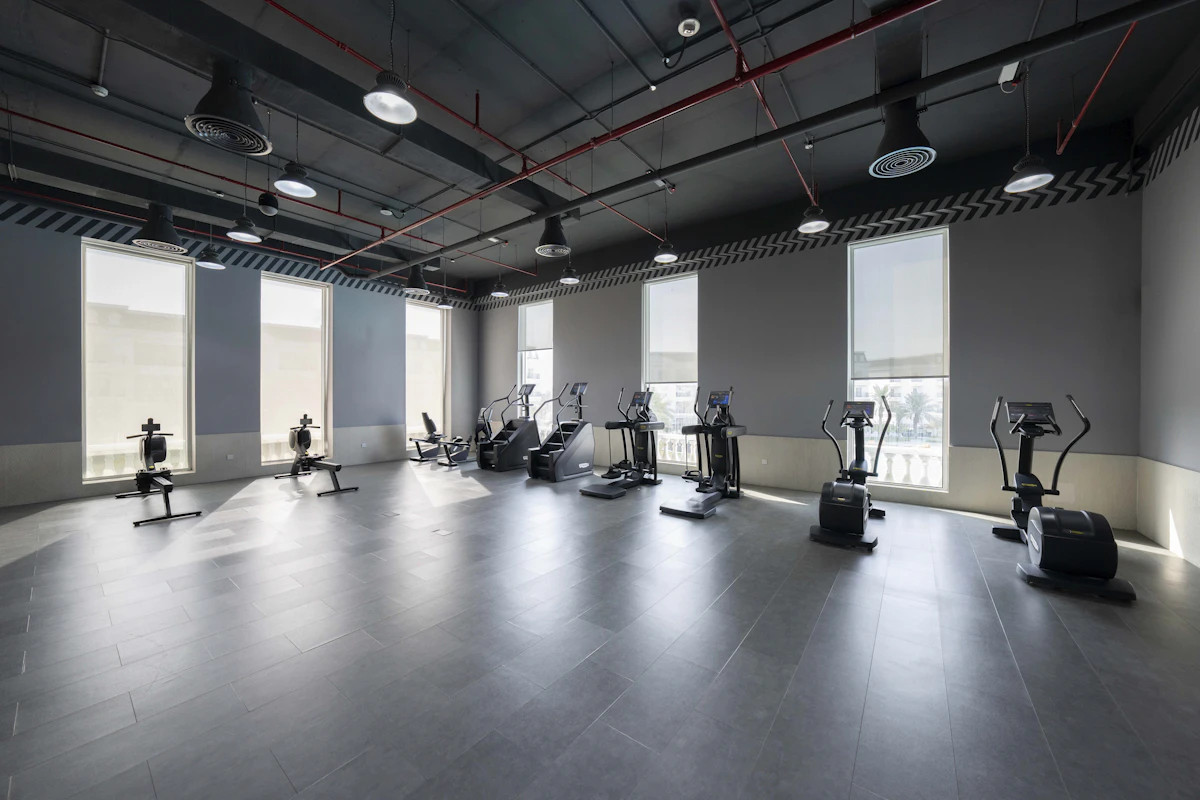
Software for gyms and fitness studios – manage members, memberships, check-ins and personal training.
