Entry and payments
Tickets and memberships have their own workflows. Check your actual till and payment setup before offering a specific provider flow.
Industry solution / Sports & Fitness
A climbing gym changes routes while courses and walk-in visits continue. Keep sector, grade, condition, bookings and loan gear in view so instructors can prepare a workable session.
Pricing & getting started
Record sector, route number, grade and status so a closed line is unambiguous to staff.
Courses and bookings show occupied and remaining places; instructors still decide whether a group can be supervised safely.
Equipment and PPE records keep serial number, date and finding together for staff handover.
How Sektura helps with everyday work
Example: New holds went up on a top-rope line in sector C. Five beginners are booked for the evening, and three asked for rental harnesses.
Staff record its number and intended grade and mark it closed until an on-site check is complete.
The responsible person checks the route and belay area; any issue is noted before changing its status.
The team reviews course places, route suitability and available rental gear before guests arrive.
The instructor has a documented plan; actual use of the route depends on the gym’s on-site judgement.
Getting started is simple
Start with real sectors, route types and current conditions.
Add the time, instructor and practical participant limit, then test a fictional booking.
Record a sample safety check and rehearse how staff handle a closed route.
Tickets and memberships have their own workflows. Check your actual till and payment setup before offering a specific provider flow.
No credit card is needed to start your trial.
Industry solution
Climbing gyms with classes and changing routes
Editorial workflow draft — not a product screenshot.
A sector route is being reset before the next climbing class.
Note the sector and intended grade.
Have staff inspect the route after setting.
Tell instructors which route and rental gear the class needs.
Instructors have a route note and agreed gear list for the class.
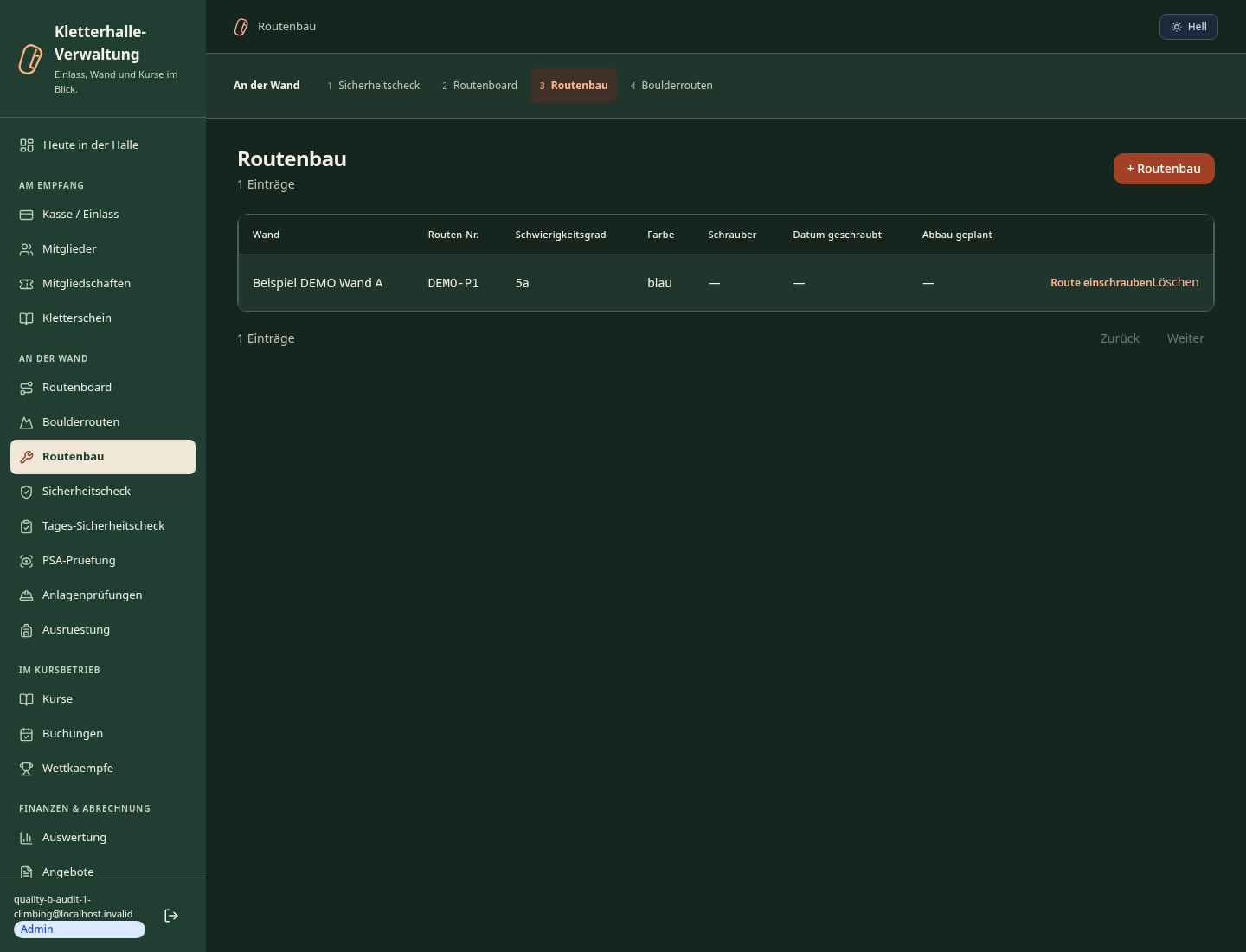
Digitally record routes with UIAA/French grade, sector, setter and opening date
DGUV-compliant liability waivers with digital signature and archiving
Flex passes, family/group tickets, QR-code entry with usage tracking
Track climbing gear: condition, inspection date, DGUV proof per item
Manage climbing courses, lead climbing exams and belay certificates per member
Less paperwork
These features are included in every sektura solution.
Customer records with full project history for all ClimbingDesk jobs and relevant contact and location information.
Invoices for ClimbingDesk services under local law. Automatic numbering, PDF export and dunning management.
Appointments for ClimbingDesk deployments with GPS address, staff assignment and automatic email reminders.
All ClimbingDesk documents managed centrally: plans, protocols, warranties, certificates and manufacturer documentation.
ClimbingDesk jobs with industry-specific fields, status tracking and automatic cost calculation.
Reports for ClimbingDesk: revenue by service type, utilisation, averages and profitability per job.
Vote on new ClimbingDesk features. Which functions matter most? Your vote counts in product development.
Getting started is simple
Set up class schedule, membership rates and routes
Configure route book & difficulty log and enter initial data
Configure digital safety briefing and enter initial data
Configure day ticket & multi-entry pass and enter initial data
Create the first invoice or quote and test the workflow
Before you switch, we check which data we can transfer from your existing system.
Vertical-Life · Magicline · Eversports · bookee
Germany · Austria · Switzerland · United Kingdom · France · Spain · Italy · Netherlands · Poland · Portugal · Sweden · Denmark · Norway · Finland · Czechia · Romania · Hungary · Türkiye · Russia · Ukraine · Indonesia · Vietnam · Thailand · Saudi Arabia · China · Japan · South Korea · India · Greece · Croatia · Serbia · Bulgaria · Slovakia · Slovenia · Lithuania · Latvia · Estonia · Albania · Malaysia · Philippines · Bangladesh · Pakistan
04 / Getting started
Choose your industry, country and billing cycle. You will see the corresponding industry price; book add-ons separately when needed.
days free trial
No credit card is needed to start your trial.
No credit card is needed to start your trial.
Add-ons are billed separately in EUR. Displayed prices reflect your selected country and billing cycle.
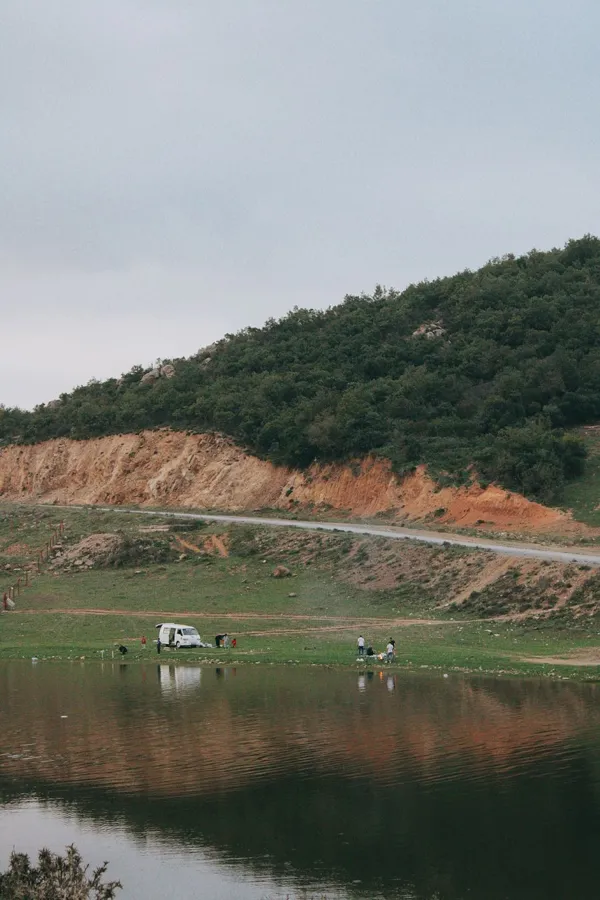
Software for campsites – professional management of pitches, bookings, arrivals, departures and invoices.

Software for equestrian businesses – bookings, riding lessons, livery boxes and horse management at a glance.

Software for anglers and fishing clubs – document catches, manage waters and track fishing licences.
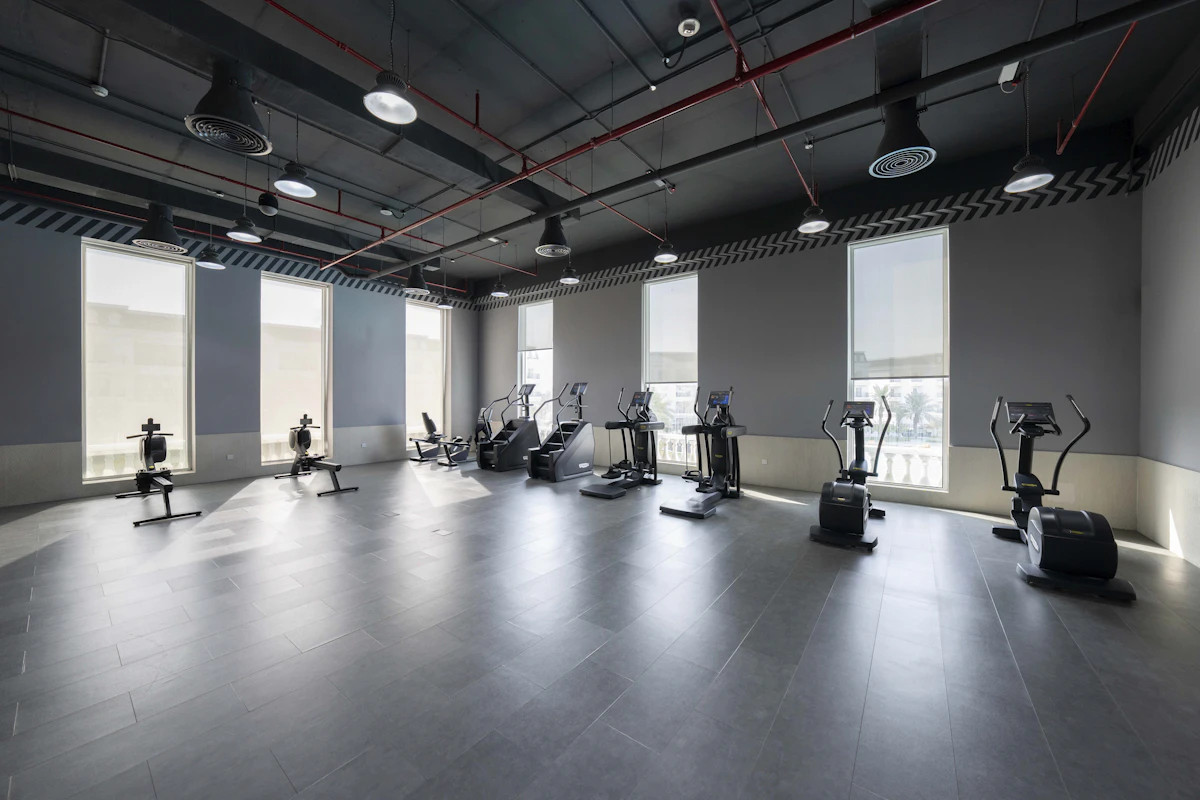
Software for gyms and fitness studios – manage members, memberships, check-ins and personal training.
