Technical claims
Check identification, performance figures and installation details against product documents. A stored U-value is not an energy certificate or grant approval.
Industry solution / Construction & Civil Engineering
For window firms replacing several units at one property: record each opening, prepare a separate quote and give installers a clear date and job reference.
Pricing & getting started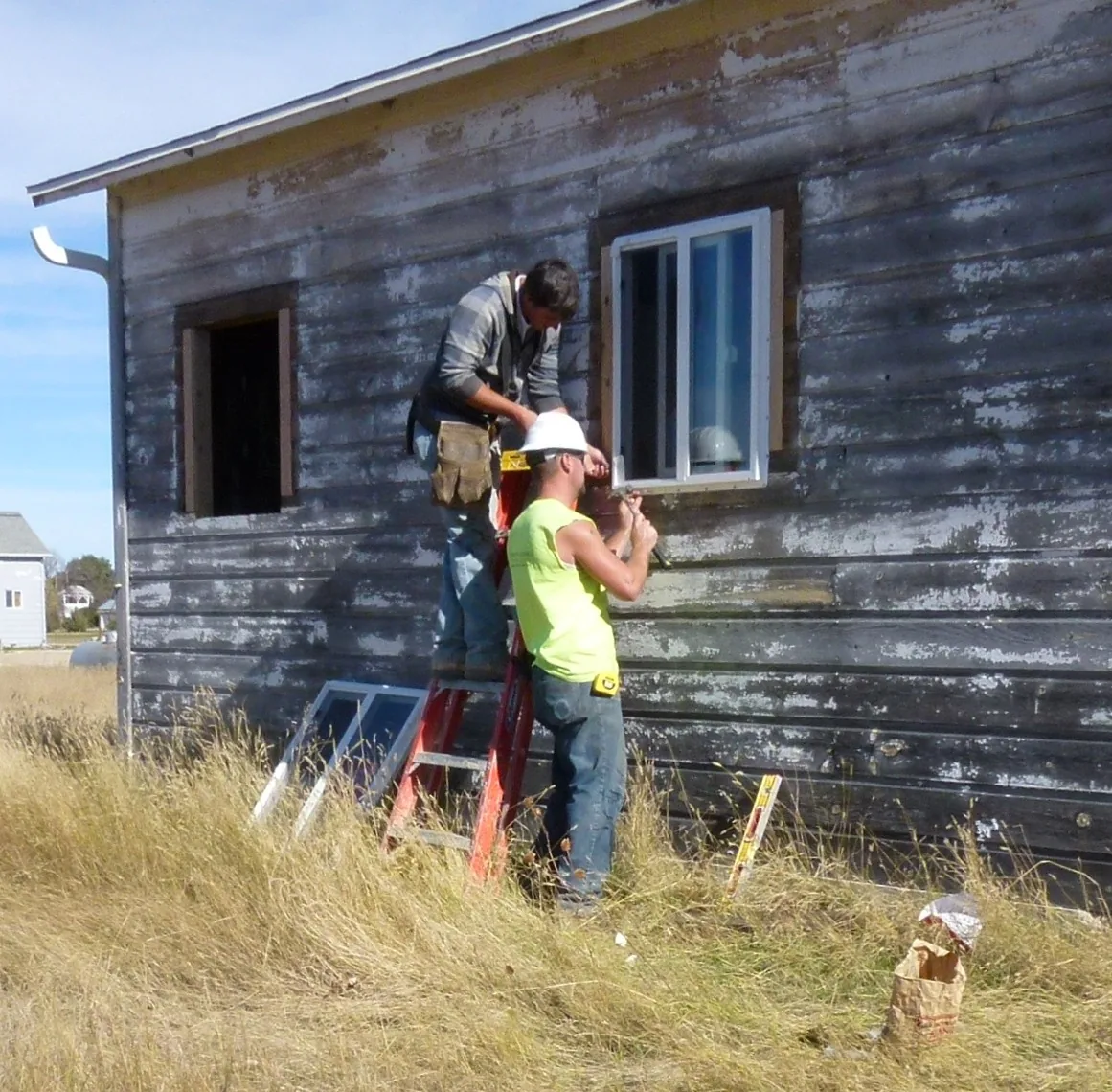
Store room, position, width, height, quantity and opening style on the order so the bathroom unit cannot be confused with the bedroom one.
Discuss frame, glazing and hardware before entering a separate quotation; measurements alone do not place an order.
Assign an accepted job to a technician and date, with a note about awkward junctions that need attention on site.
How Sektura helps with everyday work
Fictional job: a homeowner asks for two draughty bedroom windows and a smaller bathroom window. The tiled bathroom reveal needs a closer site check.
Create an order and enter each window as its own measured position, including room, opening type and site notes.
Agree frame and glazing choices, prepare the quote separately and verify ordering dimensions against the actual reveals.
Once the work is agreed and supply is settled, add a fitting date and technician to the plan; flag the bathroom junction in the note.
The team can find the measurements, quote and fitting slot. A skilled site check still determines the final production dimensions.
Getting started is simple
Use invented customer details; a window measurement needs an existing order.
Give a bedroom and bathroom window different dimensions, opening types and the required product identification field.
Create a separate sample quote, then put an accepted test job on the fitting plan with a technician.
Check identification, performance figures and installation details against product documents. A stored U-value is not an energy certificate or grant approval.
No credit card is needed to start your trial.
Industry solution
Window installers handling replacements
Editorial workflow draft — not a product screenshot.
A customer wants to replace a draughty window and expects a quote after an on-site measurement.
Measure the opening and installation conditions around the old window.
Discuss glazing and fittings with the customer.
Record dimensions and the chosen specification for the quote.
The quote can be prepared with the agreed measurements and fittings.
Calculate clear dimensions, rebate clearance and overlap according to DIN 18355 and EN 14351
Transmit production order with profile system, glazing and hardware directly
Installation log, air tightness, thermal bridges and customer signature digitally
Document compression force, corner hinge and locking mechanism per job and guarantee
Export Ug, Uw, Psi values per window for energy certificate and building permit
Less paperwork
These features are included in every sektura solution.
Customer records with full project history for all WindowDesk jobs and relevant contact and location information.
Invoices for WindowDesk services under local law. Automatic numbering, PDF export and dunning management.
Appointments for WindowDesk deployments with GPS address, staff assignment and automatic email reminders.
All WindowDesk documents managed centrally: plans, protocols, warranties, certificates and manufacturer documentation.
WindowDesk jobs with industry-specific fields, status tracking and automatic cost calculation.
Reports for WindowDesk: revenue by service type, utilisation, averages and profitability per job.
Vote on new WindowDesk features. Which functions matter most? Your vote counts in product development.
Getting started is simple
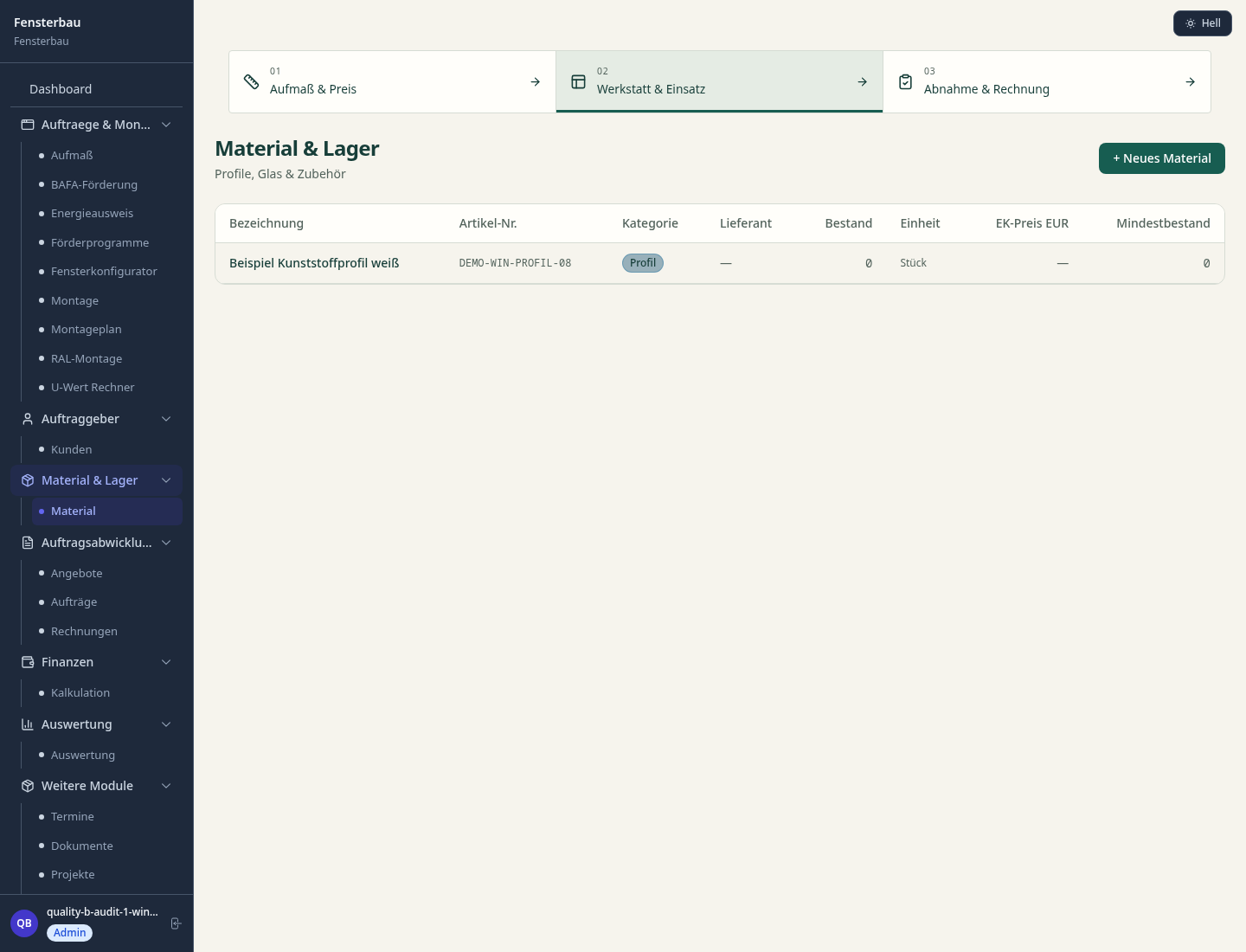
Set up bill of quantities and costing bases
Configure dimension calculator with tolerance and enter initial data
Configure production order to factory and enter initial data
Configure installation acceptance din/en and enter initial data
Create the first invoice or quote and test the workflow
Before you switch, we check which data we can transfer from your existing system.
craftboxx · openHandwerk · Plancraft · Streit V.1
Germany · Austria · Switzerland · United Kingdom · France · Spain · Italy · Netherlands · Poland · Portugal · Sweden · Denmark · Norway · Finland · Czechia · Romania · Hungary · Türkiye · Russia · Ukraine · Indonesia · Vietnam · Thailand · Saudi Arabia · China · Japan · South Korea · India · Greece · Croatia · Serbia · Bulgaria · Slovakia · Slovenia · Lithuania · Latvia · Estonia · Albania · Malaysia · Philippines · Bangladesh · Pakistan
04 / Getting started
Choose your industry, country and billing cycle. You will see the corresponding industry price; book add-ons separately when needed.
days free trial
No credit card is needed to start your trial.
No credit card is needed to start your trial.
Add-ons are billed separately in EUR. Displayed prices reflect your selected country and billing cycle.

Project management for canal, underground and civil engineering businesses

Software for construction companies and architects – manage building projects, permits, areas and timelines centrally.
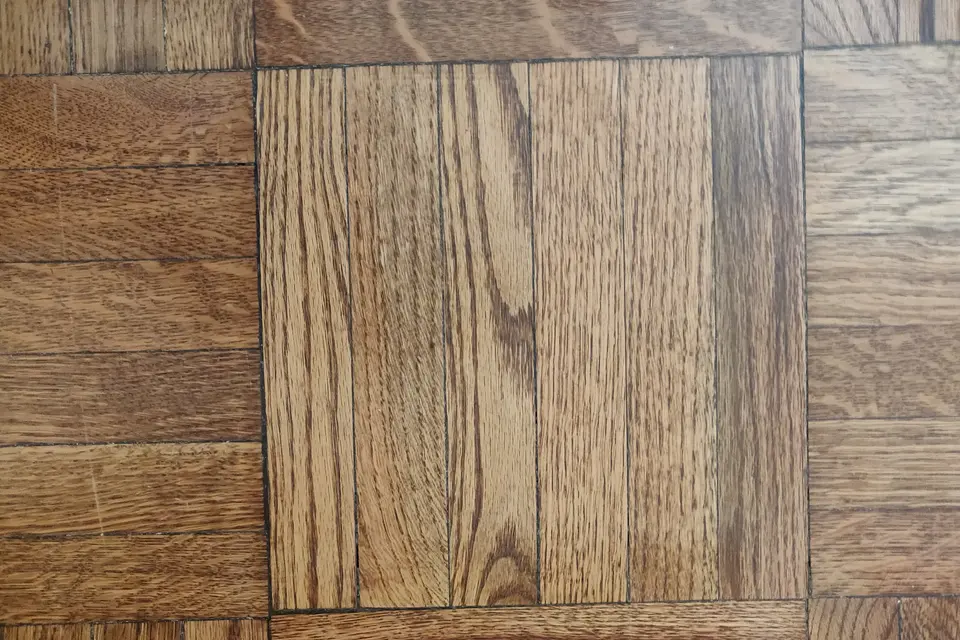
Industry software for flooring companies — jobs, areas, subfloors and invoicing.
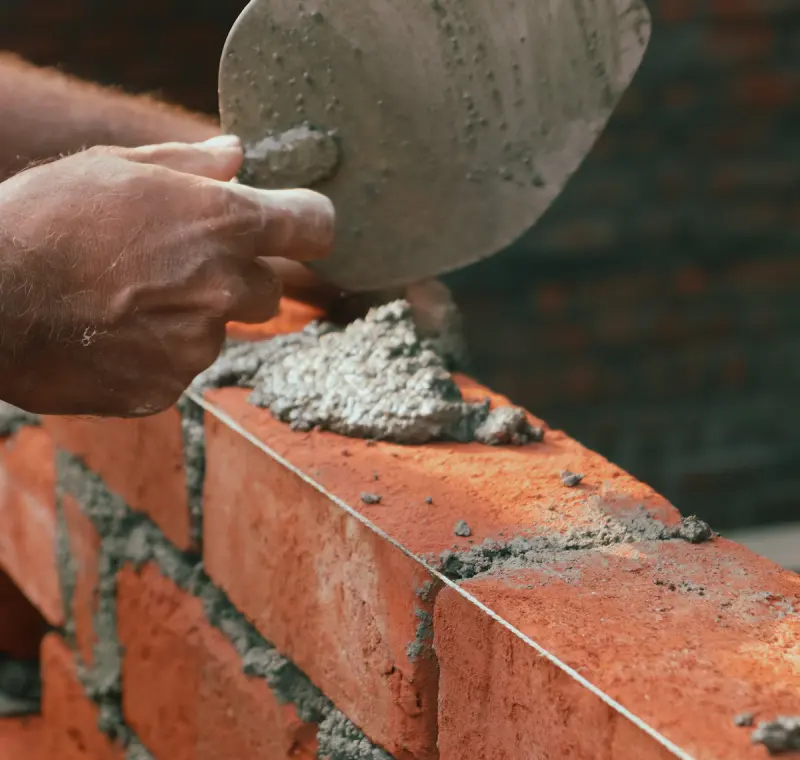
Industry software for masons and masonry businesses — jobs, construction projects, time tracking and invoicing.
