Check substrate and product instructions
Paint condition, recesses and cleaning affect suitability. Follow the chosen film's technical guidance; a selectable duration field is not a blanket warranty.
Industry solution / Creative & Media
“Logo on both sides” is not enough for a commercial van. Handles, panel recesses and the sliding-door gap affect layout and cutting. Sektura keeps the vehicle record, measured wrap zones, film estimate and job together. Your shop still checks the actual bodywork, artwork and customer approval.
Pricing & getting started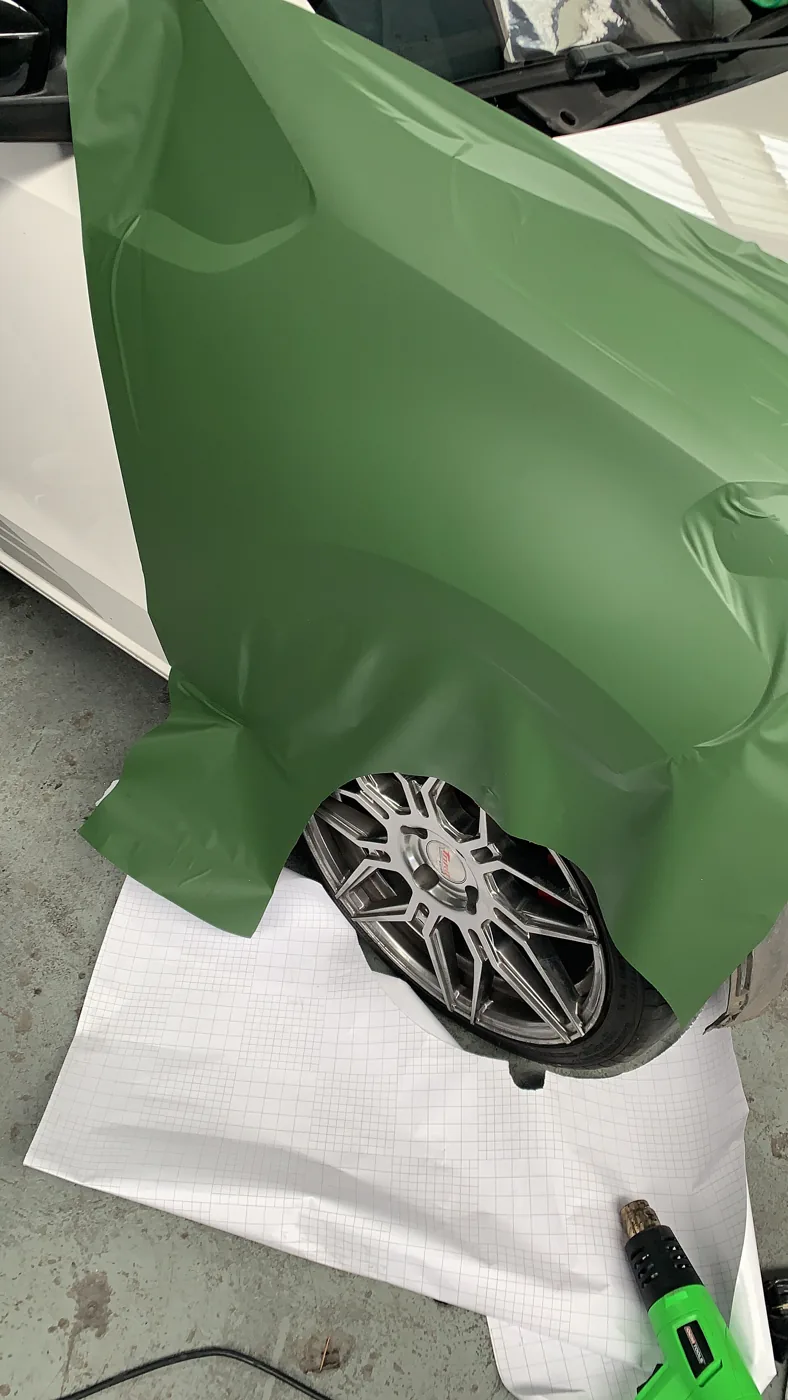
The vehicle file holds make, model, year, plate and dimensions. Named zones with length, width and a template reference show exactly which panels are being considered.
Selecting a vehicle lets the film calculator sum valid rectangular zones. Your shop enters film, colour, price per area, hours, extras and waste percentage for the job; the result is a cost estimate.
A job moves through internal stages including design and approval. Date and assigned bay show in the weekly plan. An internal status is no customer signature, and the display does not automatically prevent double booking.
How Sektura helps with everyday work
This is a fictional workshop job. A plumbing company brings a medium van for a logo and phone number on both sides and the rear doors. The supplied artwork still has its old number. A deep recess crosses the proposed sliding-door panel; the vehicle's overall dimensions do not describe it.
The installer checks paint, handles and panel gaps, measures each side and rear zone and records them against the correct van. She keeps the phone number clear of the sliding-door break.
She requests corrected artwork, agrees size and placement with the customer, and chooses film for the surface and contour. She checks zone area, her own waste allowance, film price and fitting hours in the calculator.
She retains evidence of approval for that exact artwork, schedules cutting and fitting, and assigns a bay to the job. Before application the surface is prepared under the chosen film's instructions.
The job, material estimate and bay date are easy to find. The artwork is approved only when the client confirms that version; neither fit across recesses nor film life is guaranteed by the software.
Getting started is simple
Use synthetic details for a model and body, then measure side and rear panels separately. Check any template reference against the actual vehicle.
Select the sample van. Review its rectangular area, enter your waste rate, film cost and fitting hours, and compare the estimate with your cutting plan.
Set a sample job date and bay. Check the weekly plan for competing work and decide how your shop records artwork corrections and client approval.
Paint condition, recesses and cleaning affect suitability. Follow the chosen film's technical guidance; a selectable duration field is not a blanket warranty.
No credit card is needed to start your trial.
Industry solution
Vehicle wrappers handling van graphics
Editorial workflow draft — not a product screenshot.
A business wants its logo applied to a van and sends the vehicle details.
Record vehicle dimensions and chosen areas on the job.
Estimate film needed and offcuts by hand.
Discuss artwork questions and fitting date with the customer.
Vehicle details, material needs and open artwork questions are recorded.
Design templates for cars, vans and trucks with exact body dimensions and zone marking
Calculate material requirements incl. 10–15% waste allowance per film type and vehicle class
Vehicle data, license plate and chassis number per job — follow-up orders with one click
Record wrapping warranty (3/5/7 years) and automatically notify the customer before expiry
Present design drafts digitally, comment and approve with electronic signature
Less paperwork
These features are included in every sektura solution.
Customer records with full project history for all VehicleWrappingDesk jobs and relevant contact and location information.
Invoices for VehicleWrappingDesk services under local law. Automatic numbering, PDF export and dunning management.
Appointments for VehicleWrappingDesk deployments with GPS address, staff assignment and automatic email reminders.
All VehicleWrappingDesk documents managed centrally: plans, protocols, warranties, certificates and manufacturer documentation.
VehicleWrappingDesk jobs with industry-specific fields, status tracking and automatic cost calculation.
Reports for VehicleWrappingDesk: revenue by service type, utilisation, averages and profitability per job.
Vote on new VehicleWrappingDesk features. Which functions matter most? Your vote counts in product development.
Getting started is simple
Set up portfolio, project types and price list
Configure vehicle template library and enter initial data
Configure film m² calculator & waste and enter initial data
Configure license plate & vin tracking and enter initial data
Create the first invoice or quote and test the workflow
Before you switch, we check which data we can transfer from your existing system.
SignCut · SAi Flexi · Werbas · helloCash
Germany · Austria · Switzerland · United Kingdom · France · Spain · Italy · Netherlands · Poland · Portugal · Sweden · Denmark · Norway · Finland · Czechia · Romania · Hungary · Türkiye · Russia · Ukraine · Indonesia · Vietnam · Thailand · Saudi Arabia · China · Japan · South Korea · India · Greece · Croatia · Serbia · Bulgaria · Slovakia · Slovenia · Lithuania · Latvia · Estonia · Albania · Malaysia · Philippines · Bangladesh · Pakistan
04 / Getting started
Choose your industry, country and billing cycle. You will see the corresponding industry price; book add-ons separately when needed.
days free trial
No credit card is needed to start your trial.
No credit card is needed to start your trial.
Add-ons are billed separately in EUR. Displayed prices reflect your selected country and billing cycle.

Software for dance schools – student management, course planning, exam preparation and invoices at a glance.

Project management for graphic designers and design agencies

Campaign management for advertising agencies and marketing service providers
Job management for photographers and photo studios