Check before signing
The contract view stores details and can mark the trade vehicle sold. Condition statements and terms require review for the actual transaction.
Industry solution / Trade & Retail
For dealerships with their own stock: see where a vehicle stands, who drove it and what needs checking before a purchase contract.
Pricing & getting started
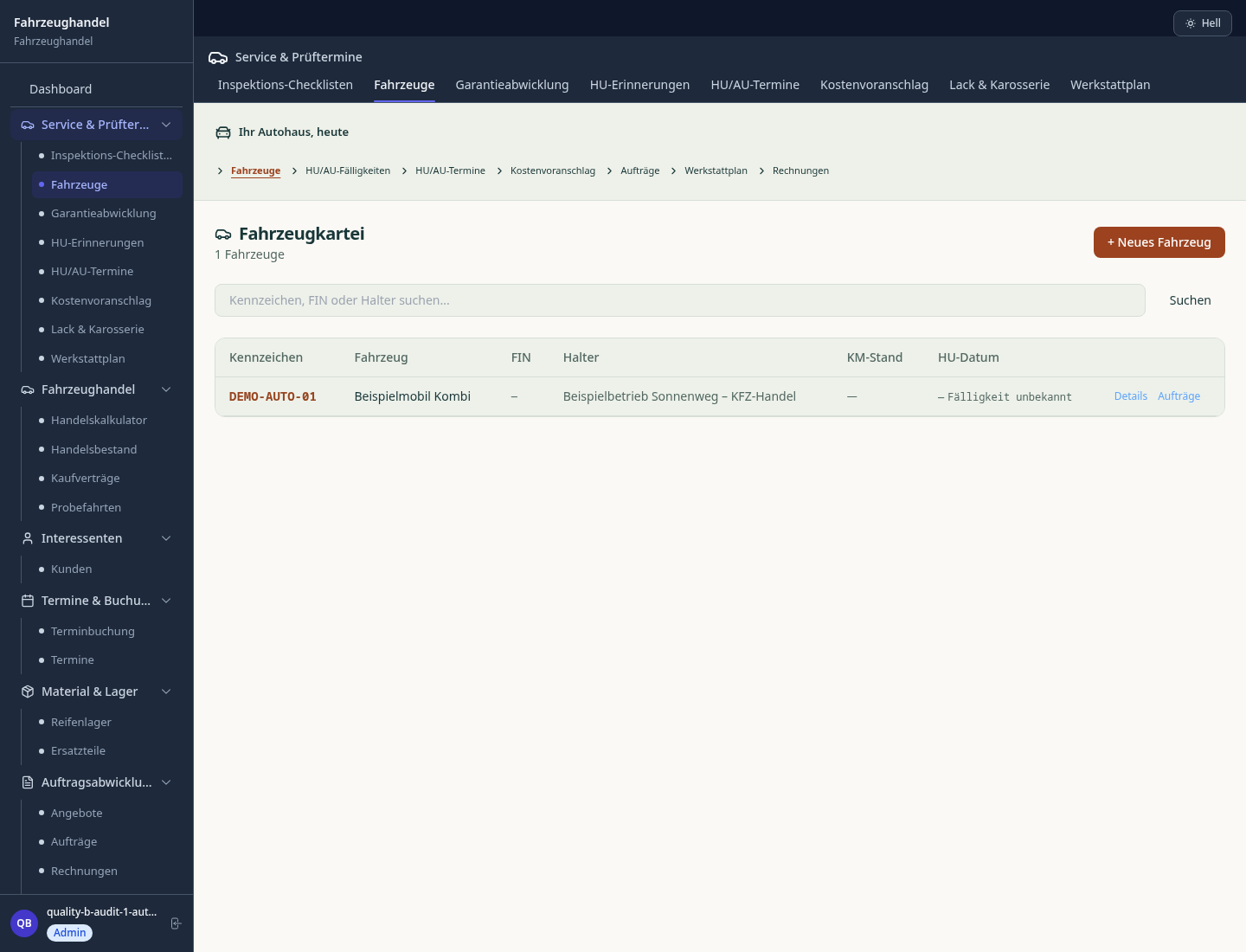
Make, model, purchase price and sale stage stay with the car, including whether it is being prepared or offered.
The record includes driver, date, licence and identity checks, and mileage at departure and return.
Buyer and price can be recorded in the contract; completing it changes the stock vehicle to sold.
How Sektura helps with everyday work
Fictional example: a buyer wants to see a used estate car. The seller first needs to confirm the documents and whether it is ready to drive.
The seller opens its stock record, compares details with the actual vehicle and inspects condition and available documents.
Before handing over keys, they check the driver’s licence and identity, resolve insurance arrangements, and note starting mileage on the correct vehicle.
They add the return mileage and open questions, then discuss price and contract when the facts are clear.
The next colleague can continue from the notes. Saving the record neither certifies the car nor completes a sale.
Getting started is simple
Begin with a car in stock and enter purchase and vehicle details your team has verified.
Assign checks for licence, identity, insurance and mileage before any test drive.
Use synthetic buyer data, open a drive from the stock record and inspect it again after reloading.
The contract view stores details and can mark the trade vehicle sold. Condition statements and terms require review for the actual transaction.
No credit card is needed to start your trial.
Industry solution
Dealerships selling used cars
Editorial workflow draft — not a product screenshot.
A buyer wants to view and test-drive a used car.
Gather the vehicle details and available documents.
Agree a test-drive time with the buyer.
Record impressions and open sales questions afterward.
The sales team can continue the conversation from the notes.
Mobile.de, AutoScout24, AutoTrader in sync – prices and photos current across all portals
Service history, MOT certificates, accident history and EU certificate of conformity per vehicle
Calculate monthly rate, down payment and final payment in the offer – with bank connection
Automatic margin scheme calculation in purchase/sales invoices – EU-wide
Track prospects from first contact to purchase – digitally document test drives
Less paperwork
These features are included in every sektura solution.
Customer data with vehicle history: make, model, VIN, licence plate and all previous services and repairs.
Invoices for AutoDesk services under local law. Automatic numbering, PDF export and dunning management.
Workshop appointments with vehicle data, reception and collection time and replacement car needed.
Inspection reports, MOT documents, repair protocols, warranty records and recall notices.
Auto repair orders with fields: vehicle data, fault code, spare parts and labour positions per manufacturer specifications.
Reports for AutoDesk: revenue by service type, utilisation, averages and profitability per job.
Vote on new AutoDesk features. Which functions matter most? Your vote counts in product development.
Getting started is simple
Import vehicle inventory, brands and price lists
Configure vehicle exchange sync (multi-portal) and enter initial data
Configure vehicle history & coc management and enter initial data
Configure finance/leasing calculator and enter initial data
Create the first invoice or quote and test the workflow
Before you switch, we check which data we can transfer from your existing system.
KFZ-Manager · Werbas · Motorkraft · AutoSoft
Germany · Austria · Switzerland · United Kingdom · France · Spain · Italy · Netherlands · Poland · Portugal · Sweden · Denmark · Norway · Finland · Czechia · Romania · Hungary · Türkiye · Russia · Ukraine · Indonesia · Vietnam · Thailand · Saudi Arabia · China · Japan · South Korea · India · Greece · Croatia · Serbia · Bulgaria · Slovakia · Slovenia · Lithuania · Latvia · Estonia · Albania · Malaysia · Philippines · Bangladesh · Pakistan
04 / Getting started
Choose your industry, country and billing cycle. You will see the corresponding industry price; book add-ons separately when needed.
days free trial
No credit card is needed to start your trial.
No credit card is needed to start your trial.
Add-ons are billed separately in EUR. Displayed prices reflect your selected country and billing cycle.

Software for bicycle workshops – manage repair jobs, customer bikes, e-bike service and invoices efficiently.
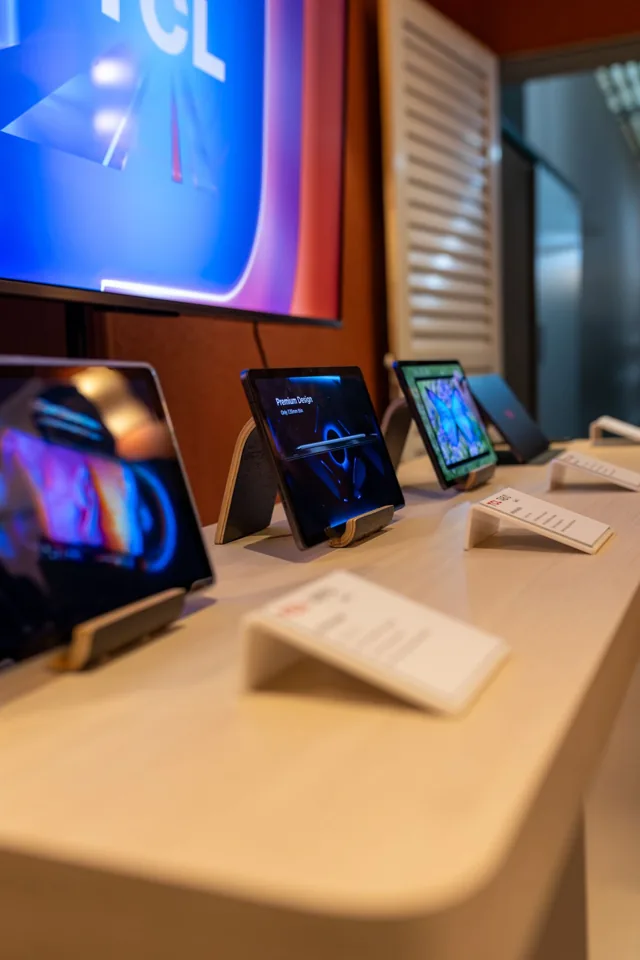
Repair and customer management for electronics retailers and repair workshops

Software for florists – fresh management of orders, delivery dates, occasions and client data.

From the timber yard to a confirmed delivery.