Before real carriage
Check rules for the countries, route and load, including driving time, customs or dangerous goods where applicable.
Industry solution / Transport & Logistics
A freight operator needs the load, vehicle capacity, driver, handover window and paperwork to agree with the job. The logistics desk keeps the shipment, tour and document data together while dispatchers confirm the real plan with people on the route.
Pricing & getting started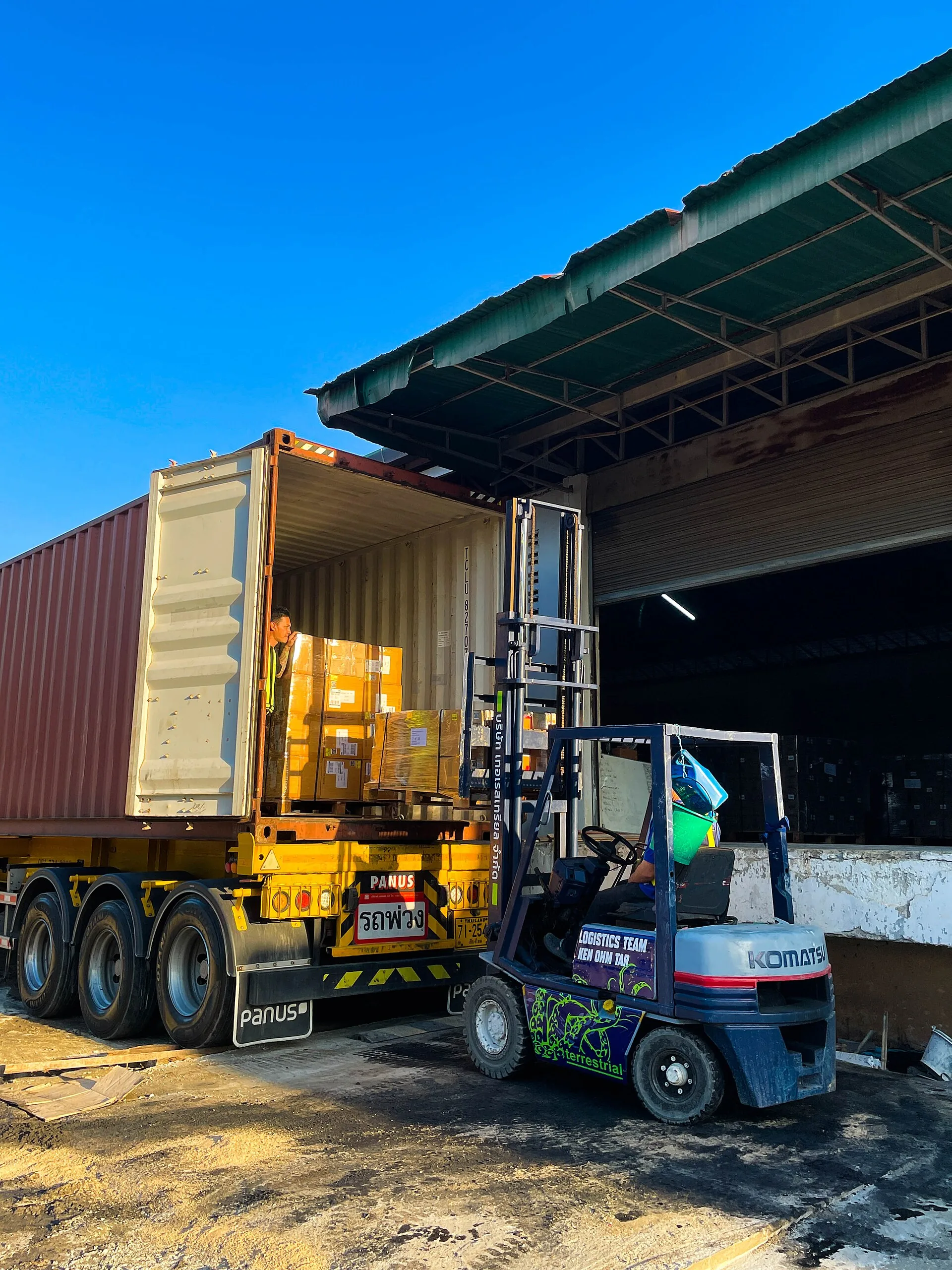
Pickup and delivery points, dates, weight and goods description stay with the shipment when the shipper changes the time.
Assign a vehicle and driver and review the tour. A payload warning uses recorded data; actual space, timing and fitness still need a dispatcher.
CMR details can be kept with the job. A completed consignment note alone does not prove delivery or acceptance.
How Sektura helps with everyday work
Example: Six pallets were due for pickup at 9 am, but the sender can only load at 7 am. The first transfer depot has a narrow receiving slot.
The dispatcher updates pickup timing and checks weight, origin and promised delivery time.
She reviews the tour, payload and driver, then calls the depot and driver before promising the new schedule.
She compares the consignment note with the job and records the agreed handover; later status changes follow actual feedback.
The changed plan is traceable. Driver availability, rest time and depot acceptance still need operational confirmation.
Getting started is simple
Use a fictional shipper, six pallets, weight, loading and unloading points and dates.
Add a fictional driver and vehicle with plausible payload, then link a tour to the job.
Move the pickup forward, inspect any capacity warning and compare the consignment note with the order.
Check rules for the countries, route and load, including driving time, customs or dangerous goods where applicable.
No credit card is needed to start your trial.
Industry solution
Freight firms coordinating multi-leg shipments
Editorial workflow draft — not a product screenshot.
A customer commissions several pallets to move through two transfer depots.
Record sender, receiver, pallet count and handover times.
Compare suitable transport legs and available capacity.
Agree handovers and attach shipment papers to the freight job.
The route, handovers and papers are recorded on the freight job.
Compare rates for truck, rail and sea simultaneously — cheapest route per order.
Live tracking with AI-based ETA — deviations are automatically reported to the client.
Automatic invoice verification detects incorrect charges and saves up to 3% of freight costs.
Automated customs documents for EU border crossings incl. certificates of origin and HS codes.
Automatic loading planning maximizes utilization and reduces costs through shipment consolidation.
Less paperwork
These features are included in every sektura solution.
Customer records with full project history for all TranspoDesk jobs and relevant contact and location information.
Invoices for TranspoDesk services under local law. Automatic numbering, PDF export and dunning management.
Appointments for TranspoDesk deployments with GPS address, staff assignment and automatic email reminders.
All TranspoDesk documents managed centrally: plans, protocols, warranties, certificates and manufacturer documentation.
TranspoDesk jobs with industry-specific fields, status tracking and automatic cost calculation.
Reports for TranspoDesk: revenue by service type, utilisation, averages and profitability per job.
Vote on new TranspoDesk features. Which functions matter most? Your vote counts in product development.
Getting started is simple
Register vehicle fleet, routes and freight capacities
Configure multimodal freight comparison and enter initial data
Configure real-time shipment tracking & eta and enter initial data
Configure ai freight billing & audit and enter initial data
Create the first invoice or quote and test the workflow
Before you switch, we check which data we can transfer from your existing system.
Saloodo · Shippeo · CargoNow · InstaFreight
Germany · Austria · Switzerland · United Kingdom · France · Spain · Italy · Netherlands · Poland · Portugal · Sweden · Denmark · Norway · Finland · Czechia · Romania · Hungary · Türkiye · Russia · Ukraine · Indonesia · Vietnam · Thailand · Saudi Arabia · China · Japan · South Korea · India · Greece · Croatia · Serbia · Bulgaria · Slovakia · Slovenia · Lithuania · Latvia · Estonia · Albania · Malaysia · Philippines · Bangladesh · Pakistan
04 / Getting started
Choose your industry, country and billing cycle. You will see the corresponding industry price; book add-ons separately when needed.
days free trial
No credit card is needed to start your trial.
No credit card is needed to start your trial.
Add-ons are billed separately in EUR. Displayed prices reflect your selected country and billing cycle.

Order management for courier services, delivery businesses and last-mile operators

Ride management for taxi companies, transport services, and car hire operators