Proof of handover
A status entry does not itself prove physical receipt; staff must record the real event.
Industry solution / Transport & Logistics
For local couriers who handle pickup, driver assignment, delivery exceptions and billing every day.
Pricing & getting started
Record pickup date, service type and address details before dispatch.
Assign stops and drivers and record actual handovers or failed attempts.
Check delivery notes and invoices against completed work.
How Sektura helps with everyday work
In this fictional local round, a driver has three parcels. Nobody answers at the second address.
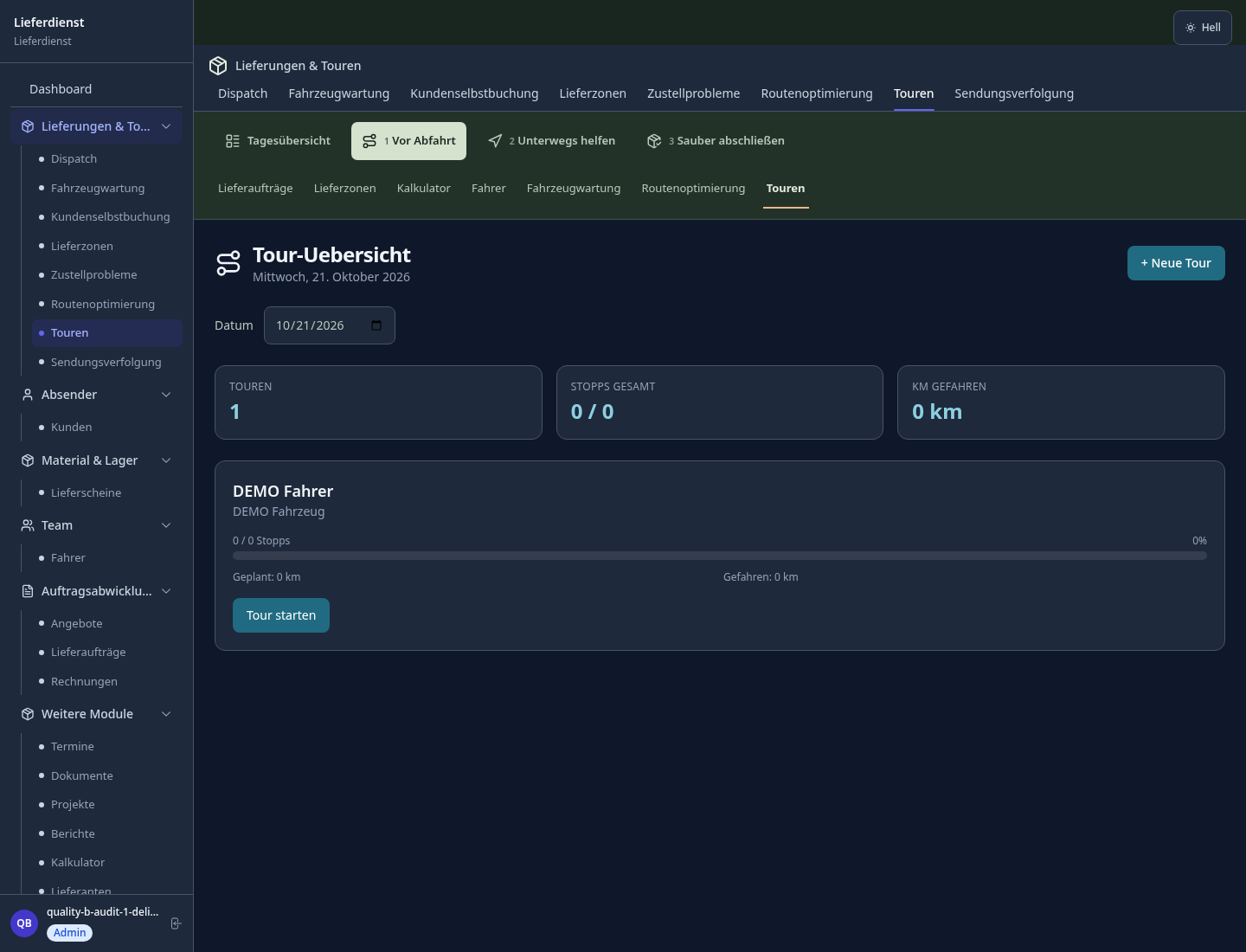
Check time windows and assign stops to a driver.
Record successful handovers and the failed attempt.
Resolve the open delivery and review its paperwork.
Dispatch can distinguish completed handovers from work still open.
Getting started is simple
Enter the area you actually serve.
Use synthetic addresses and a pickup window.
Record delivery, exception and invoice review.
A status entry does not itself prove physical receipt; staff must record the real event.
No credit card is needed to start your trial.
Industry solution
Courier services making local parcel rounds
Editorial workflow draft — not a product screenshot.
A courier takes several parcels on a local delivery round.
Check addresses and agreed delivery windows before departure.
Agree the stop order with the driver.
Record each completed parcel handover manually.
The route and completed handovers are documented for follow-up.
AI route optimization with time windows and vehicle capacity for maximum tour density.
SMS with live tracking link after tour start — recipients see the delivery to the minute.
Delivery confirmation by photo and signature — Proof of Delivery directly from the driver app.
Driver failure or delay? Automatic reassignment to the next available driver.
SLA monitoring per order with automatic alerts for impending delivery delays.
Less paperwork
These features are included in every sektura solution.
Customer records with full project history for all DeliveryDesk jobs and relevant contact and location information.
Invoices for DeliveryDesk services under local law. Automatic numbering, PDF export and dunning management.
Appointments for DeliveryDesk deployments with GPS address, staff assignment and automatic email reminders.
All DeliveryDesk documents managed centrally: plans, protocols, warranties, certificates and manufacturer documentation.
DeliveryDesk jobs with industry-specific fields, status tracking and automatic cost calculation.
Reports for DeliveryDesk: revenue by service type, utilisation, averages and profitability per job.
Vote on new DeliveryDesk features. Which functions matter most? Your vote counts in product development.
Getting started is simple
Set up delivery areas, vehicles and prices
Configure ai route planning with time windows and enter initial data
Configure live tracking link for recipients and enter initial data
Configure digital proof of delivery (pod) and enter initial data
Create the first invoice or quote and test the workflow
Before you switch, we check which data we can transfer from your existing system.
Saloodo · Shippeo · Liefery · Onfleet
Germany · Austria · Switzerland · United Kingdom · France · Spain · Italy · Netherlands · Poland · Portugal · Sweden · Denmark · Norway · Finland · Czechia · Romania · Hungary · Türkiye · Russia · Ukraine · Indonesia · Vietnam · Thailand · Saudi Arabia · China · Japan · South Korea · India · Greece · Croatia · Serbia · Bulgaria · Slovakia · Slovenia · Lithuania · Latvia · Estonia · Albania · Malaysia · Philippines · Bangladesh · Pakistan
04 / Getting started
Choose your industry, country and billing cycle. You will see the corresponding industry price; book add-ons separately when needed.
days free trial
No credit card is needed to start your trial.
No credit card is needed to start your trial.
Add-ons are billed separately in EUR. Displayed prices reflect your selected country and billing cycle.
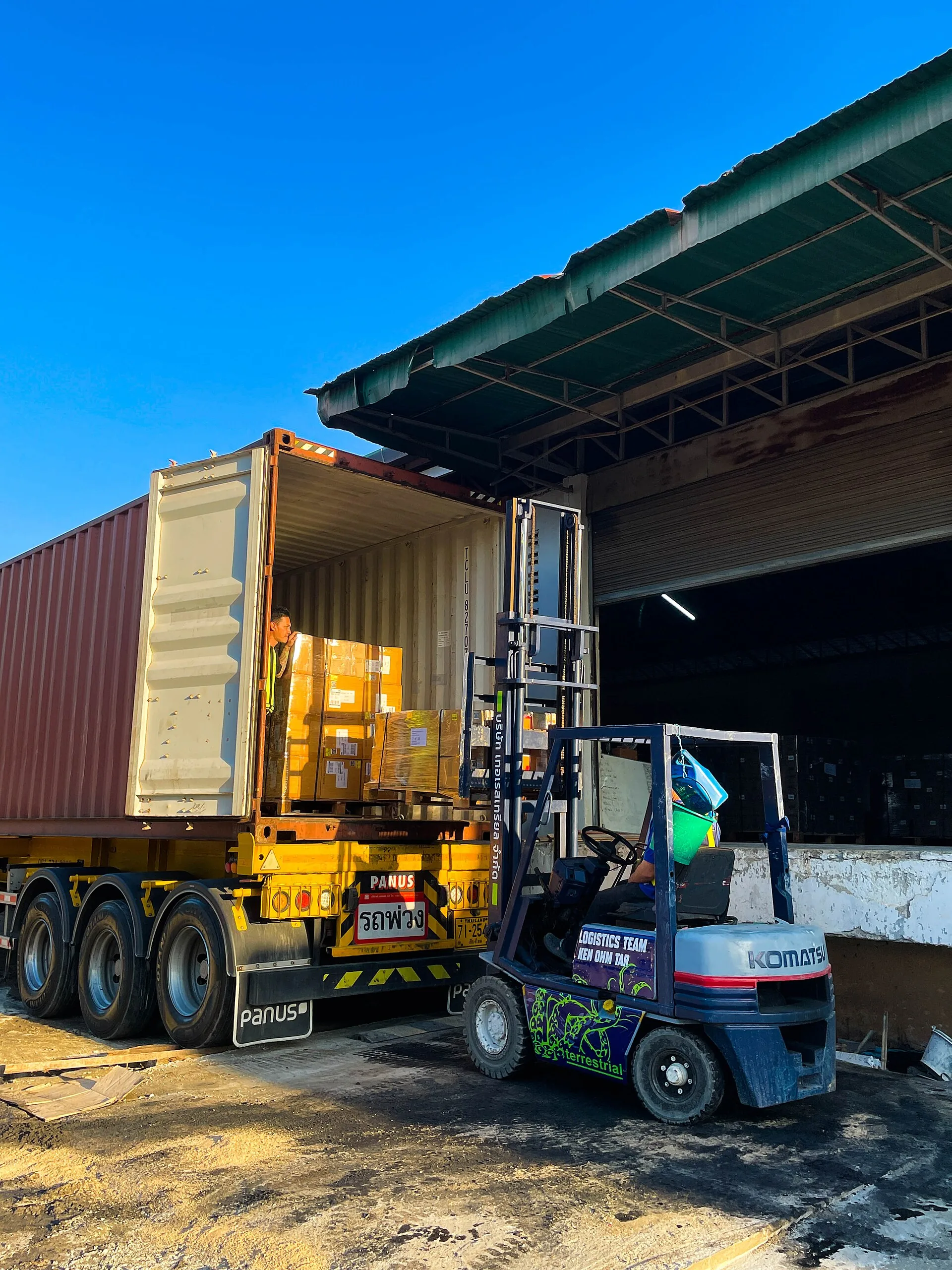
Shipment and order management for freight companies and transport businesses

Ride management for taxi companies, transport services, and car hire operators
